
2024.1.x 2024.0.x 2023.23.x 2023.22.x 2023.20.x 2023.19.x 2023.18.x 2023.16.x 2023.14.x 2023.12.x 2023.10.x 2023.8.x 2023.6.x 2023.4.x 2022.56.x 2022.54.x 2022.52.x 2022.50.x 2022.48.x 2022.46.x 2022.44.x 2022.42.x 2022.40.x 2022.38.x 2022.36.x 2022.34.x 2022.32.x 2022.30.x 2022.28.x 2022.26.x 2022.24.x 2022.22.x 2022.20.x 2022.18.x 2022.16.x 2022.14.x 2022.12.x 2022.10.x 2022.8.x 2022.6.x 2021.56.x 2021.54.x 2021.52.x 2021.50.x 2021.38.x 2021.10.x English German

Security

Once you have opened the Home screen of the SICON.OS interface:

On the navigation panel click on Settings to open the System management section.

Security
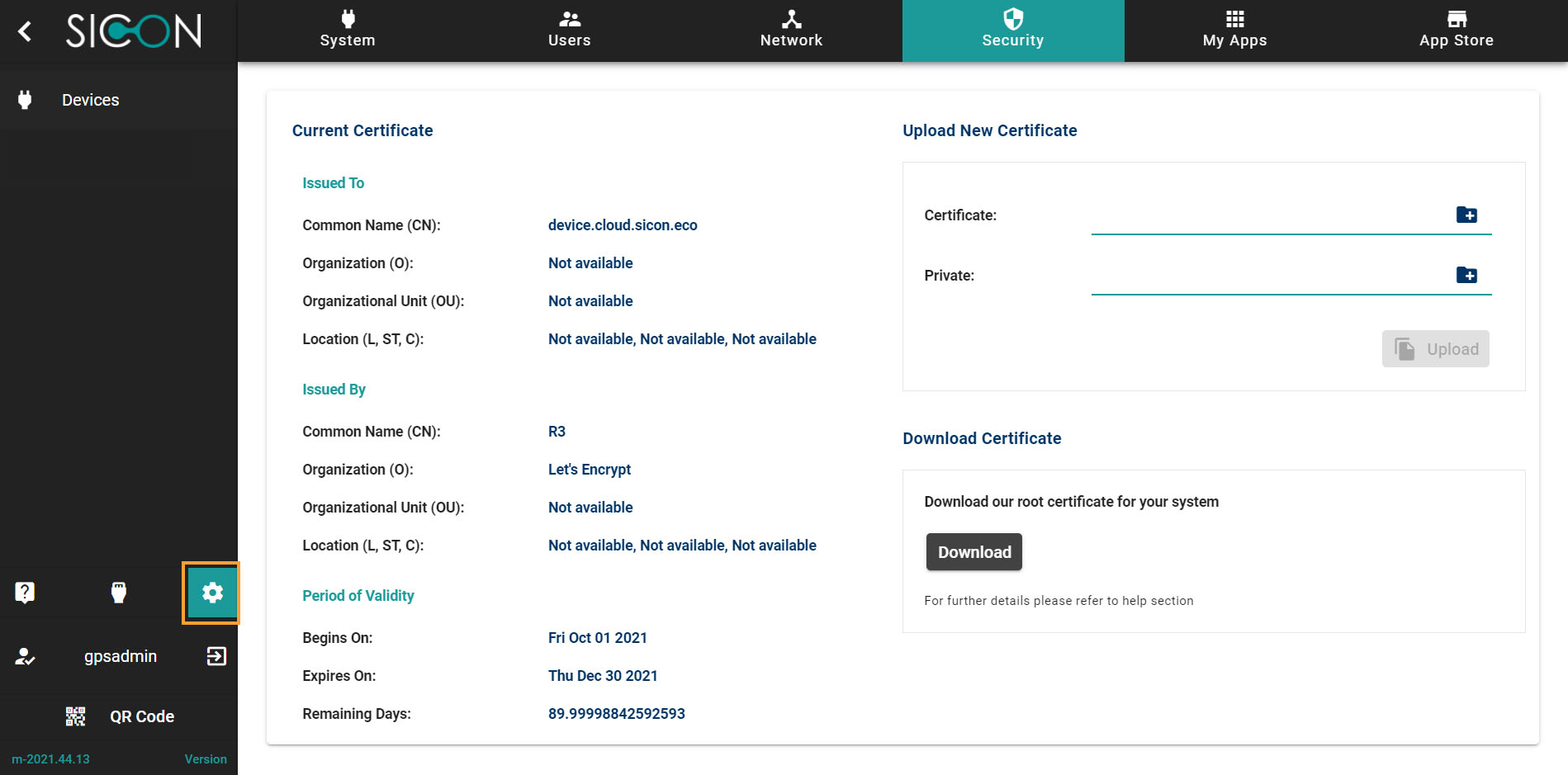
Security_02.jpg

Current Certificate

Here you see details of current certificate associated with SICON.OS
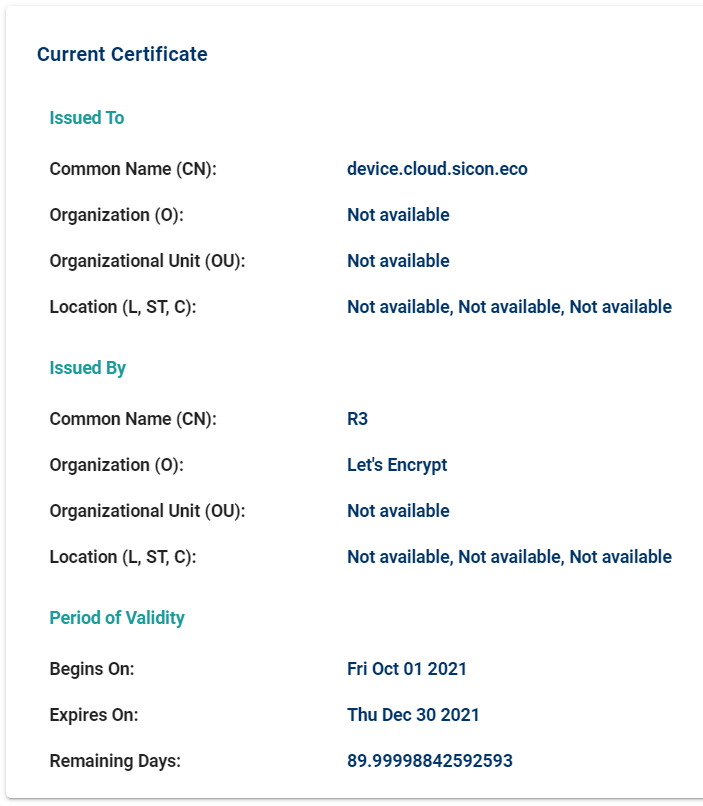
image-20211021-085011.png

Upload New Certificate

You can upload a new certificate and it will replace the existing.
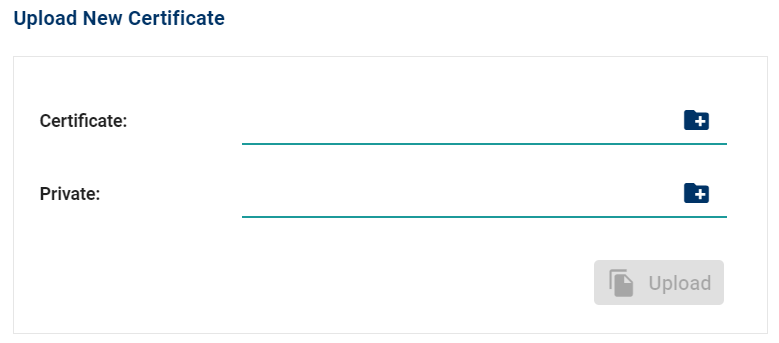
image-20211021-085104.png

Download Certificate

Here you can download the Root certificate, further information on how to import Root certificate for your system can be found here.
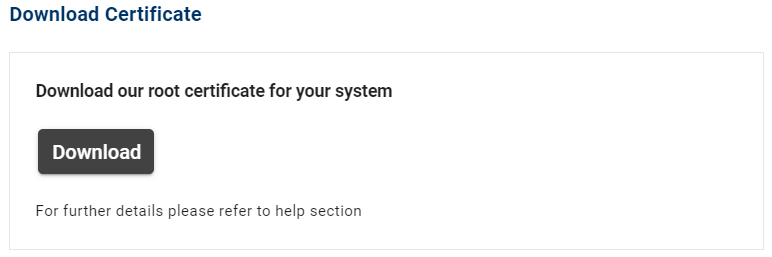
image-20211021-085145.png