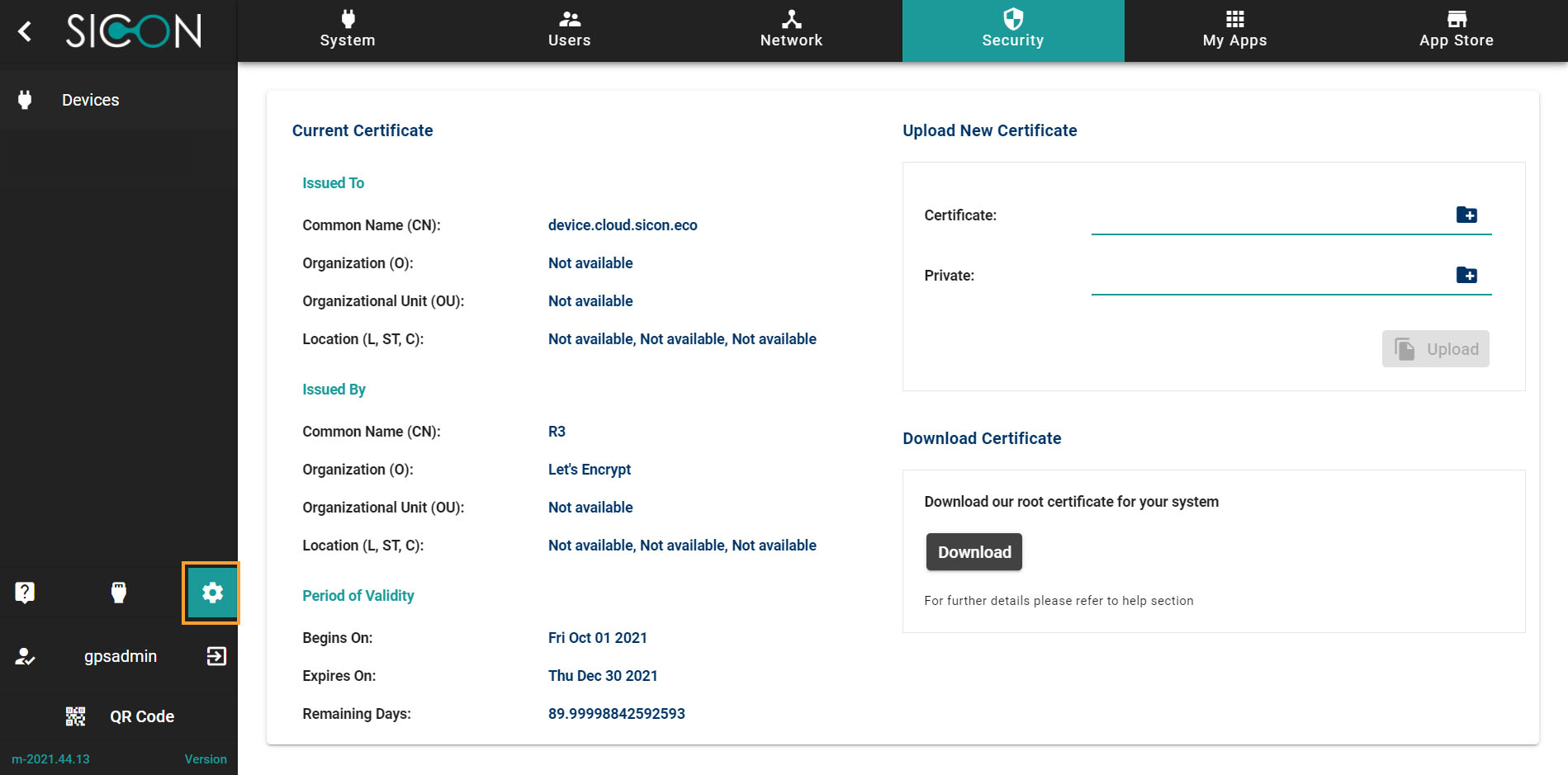
Navigate to Security section
Once you have opened the Home screen of the SICON.OS interface:
On the navigation panel click on Settings to open the System management section.
Security
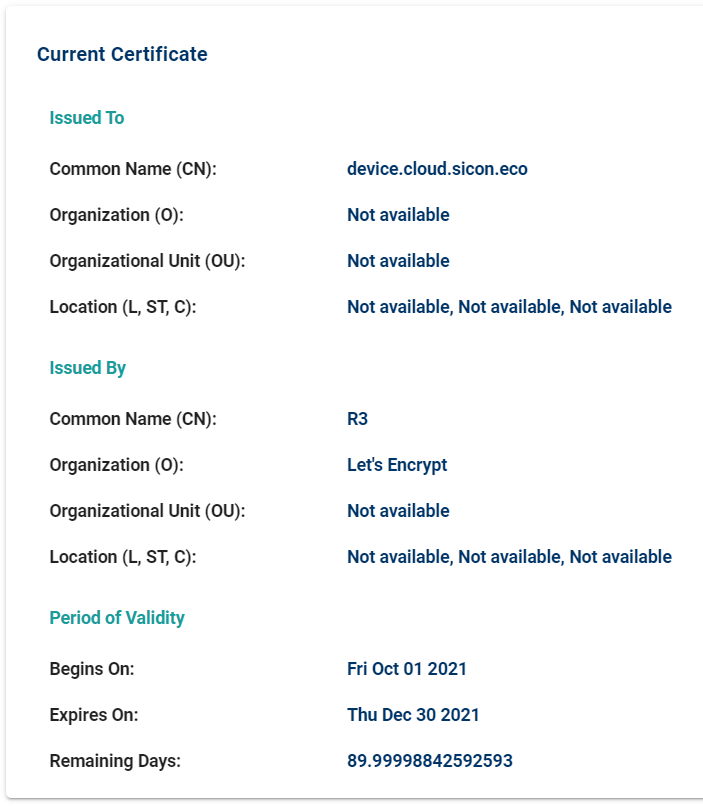
Current Certificate
Here you see details of current certificate associated with SICON.OS
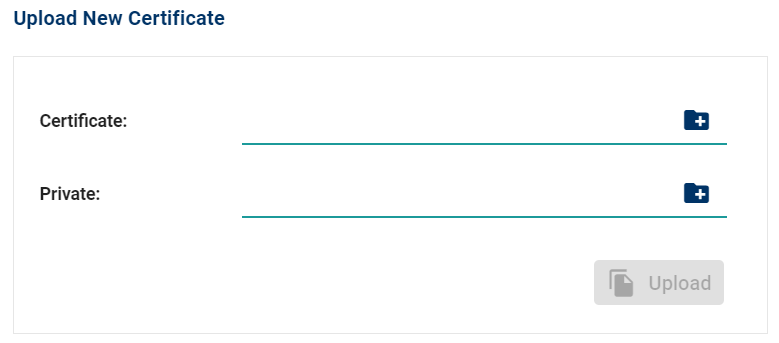
Upload New Certificate
You can upload a new certificate and it will replace the existing.
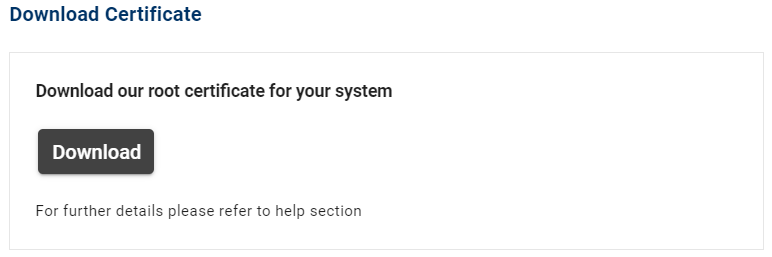
Download Certificate
Here you can download the Root certificate, further information on how to import Root certificate for your system can be found here.