Navigate to My Apps section
Once you have opened the Home screen of the SICON.OS interface:
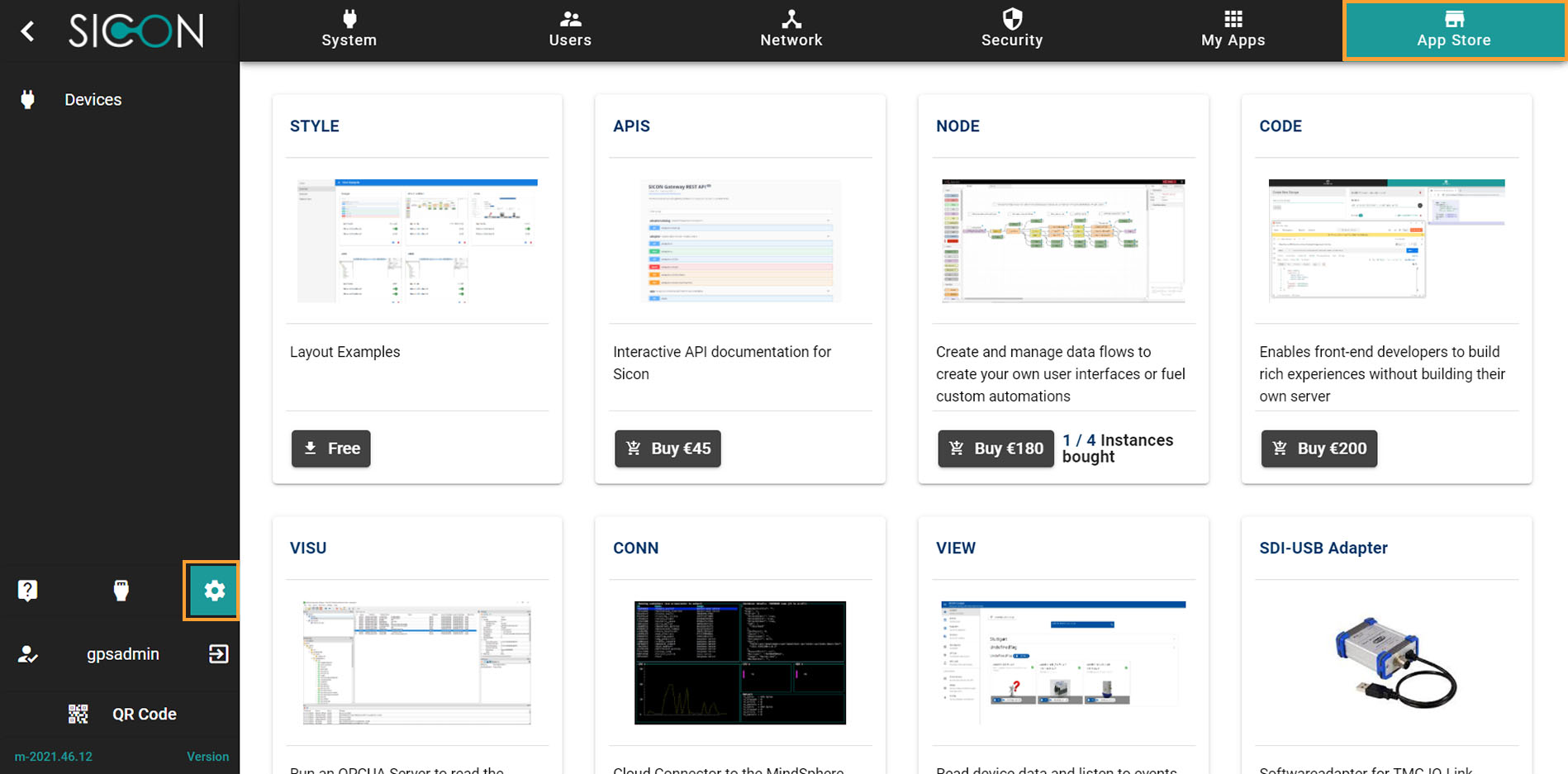
On the navigation panel click on Settings to open the System management section.
Settings > App Store
On the System management Settings page, you will find the header menu which include App Store. It includes the Apps that you either purchase or install for free on your SICON.OS.
Buy an app
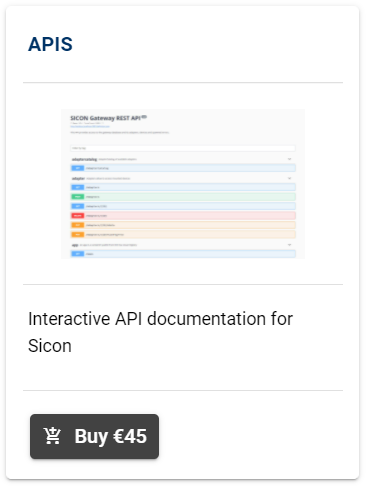
To buy an app, click on the button 🛒 Buy
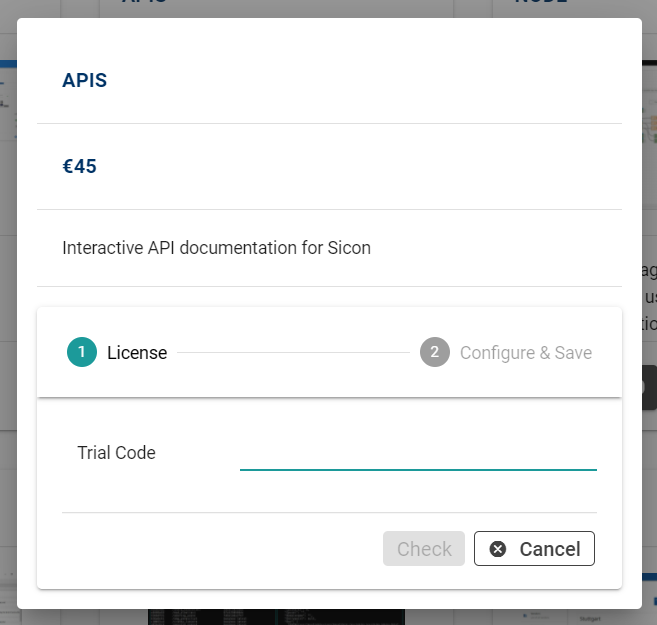
Enter your Trial code and click on button Check
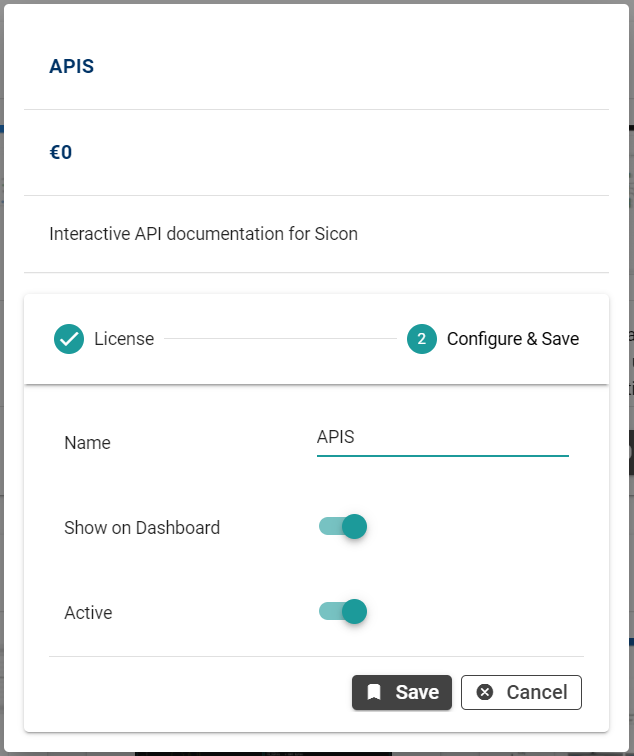
Give the custom name. You can choose to show on dashboard or not and can change the status. Click on Save button to install the app.