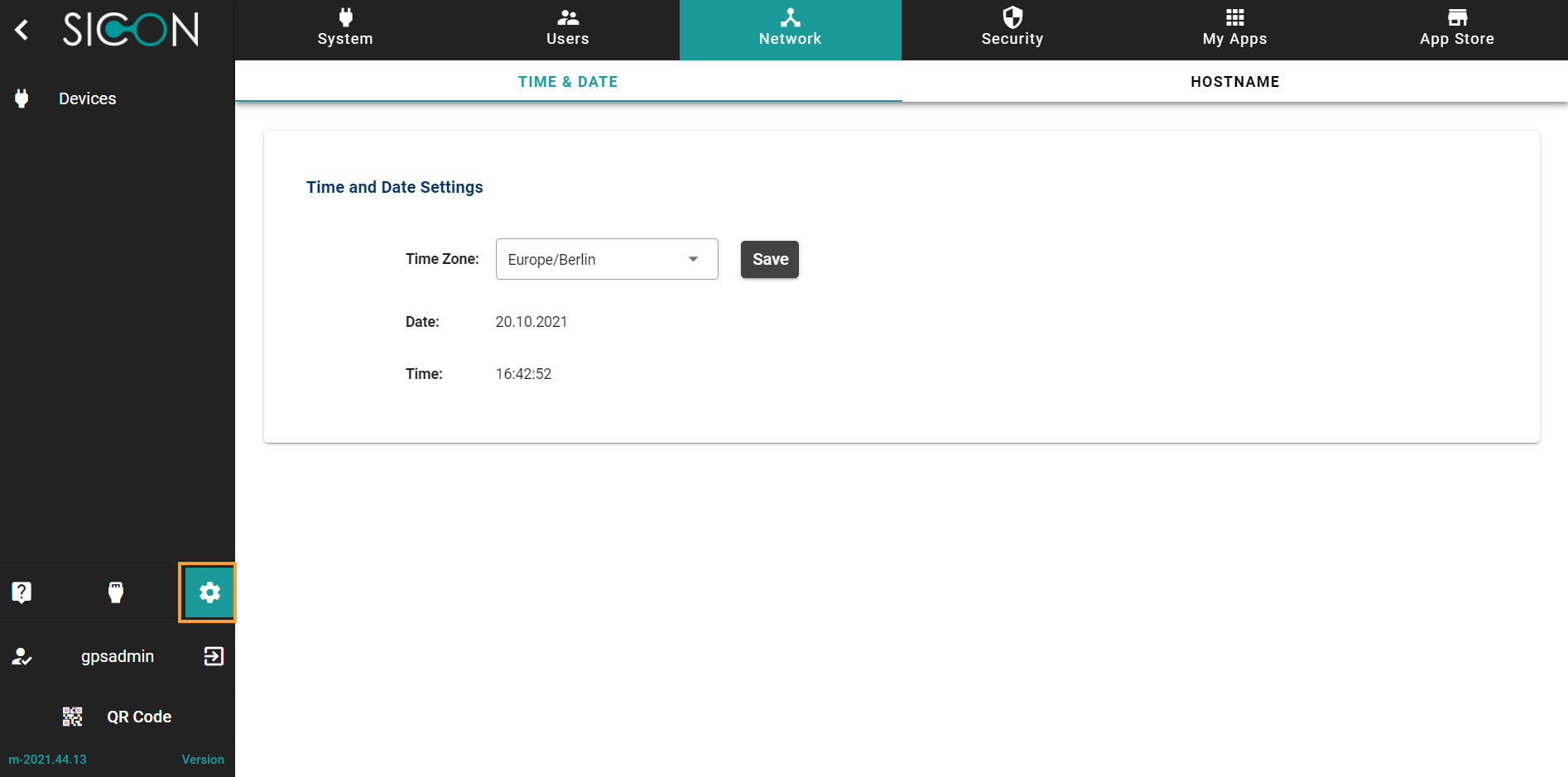
Navigate to Settings section
Once you have opened the Home screen of the SICON.OS interface:
On the navigation panel click on Settings to open the System management section.
Network section is divided into two subsections:
-
TIME & DATE
-
HOSTNAME
Let’s understand these one-by-one.
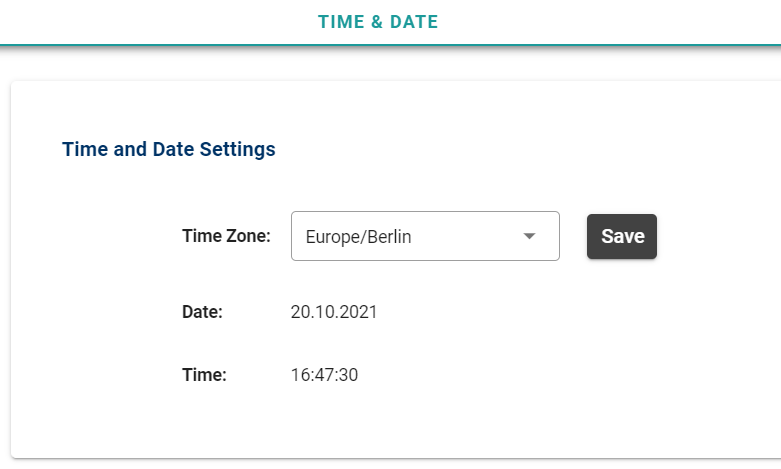
TIME & DATE
Here you can manage the Time and date settings.
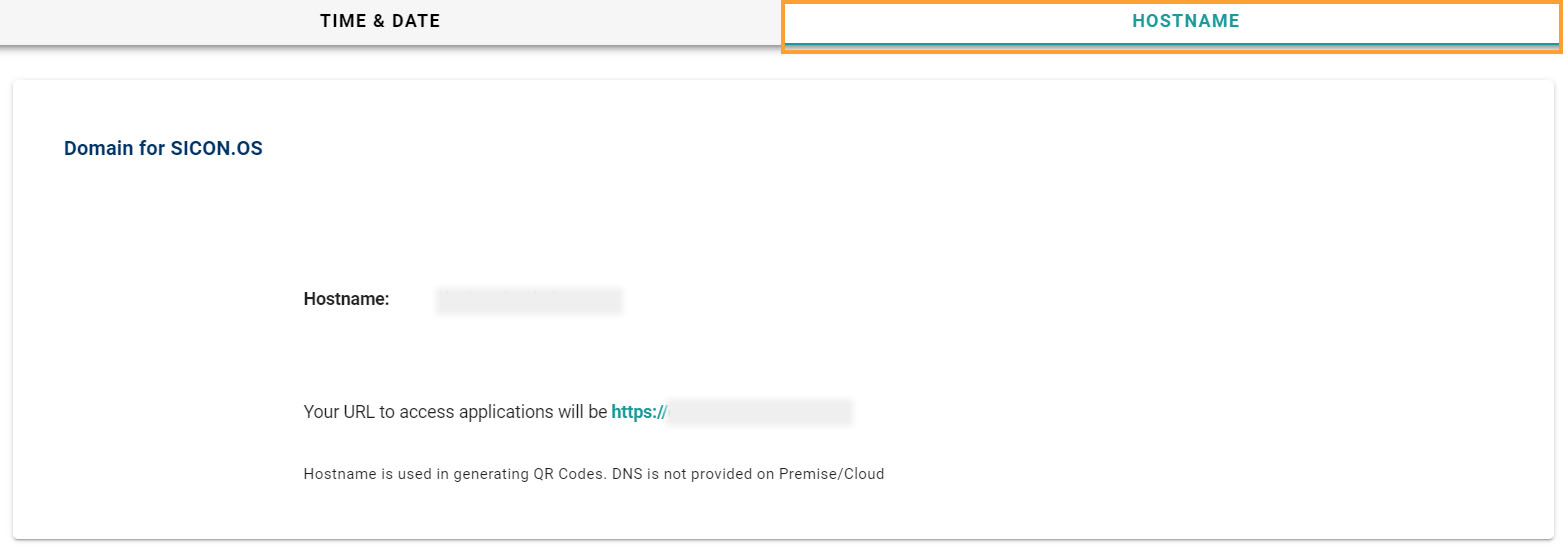
HOSTNAME
Here you can see the Hostname of your SICON.OS to access the applications of SICON.OS