Home
2024.1.x
2024.0.x
2023.23.x
2023.22.x
2023.20.x
2023.19.x
2023.18.x
2023.16.x
2023.14.x
2023.12.x
2023.10.x
2023.8.x
2023.6.x
2023.4.x
2022.56.x
2022.54.x
2022.52.x
2022.50.x
2022.48.x
2022.46.x
2022.44.x
2022.42.x
2022.40.x
2022.38.x
2022.36.x
2022.34.x
2022.32.x
2022.30.x
2022.28.x
2022.26.x
2022.24.x
2022.22.x
2022.20.x
2022.18.x
2022.16.x
2022.14.x
2022.12.x
2022.10.x
2022.8.x
2022.6.x
2021.56.x
2021.54.x
2021.52.x
2021.50.x
2021.38.x
2021.10.x
English
German
English
German
Main navigation
Close navigation
2024.1.x
2024.0.x
2023.23.x
2023.22.x
2023.20.x
2023.19.x
2023.18.x
2023.16.x
2023.14.x
2023.12.x
2023.10.x
2023.8.x
2023.6.x
2023.4.x
2022.56.x
2022.54.x
2022.52.x
2022.50.x
2022.48.x
2022.46.x
2022.44.x
2022.42.x
2022.40.x
2022.38.x
2022.36.x
2022.34.x
2022.32.x
2022.30.x
2022.28.x
2022.26.x
2022.24.x
2022.22.x
2022.20.x
2022.18.x
2022.16.x
2022.14.x
2022.12.x
2022.10.x
2022.8.x
2022.6.x
2021.56.x
2021.54.x
2021.52.x
2021.50.x
2021.38.x
2021.10.x
English
German
English
German
Main
Home
Main
Quick Start
Concept
Installation
Setup
Operating
User Guide
Homepage
Floorplan View
Automation View
Machine View
User View
Device Overview
Device Management
System management
App Management
Developer Guide
Device Guide
Release Notes
FAQ
Breadcrumbs
Home
SICON.OS
Operating
User Guide
On this Page
User View
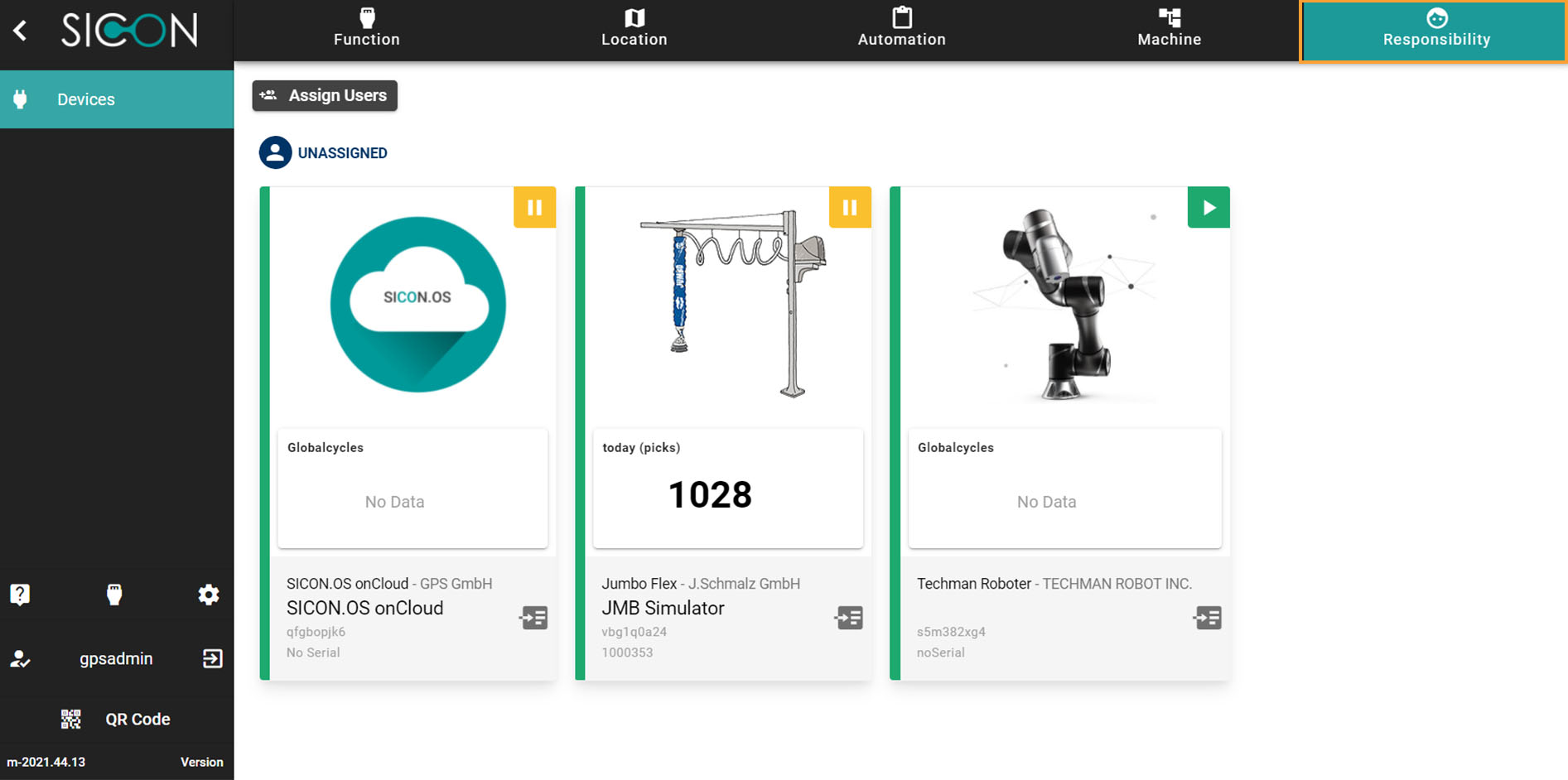
Responsibility
Devices in grouped view based upon the assigned users.