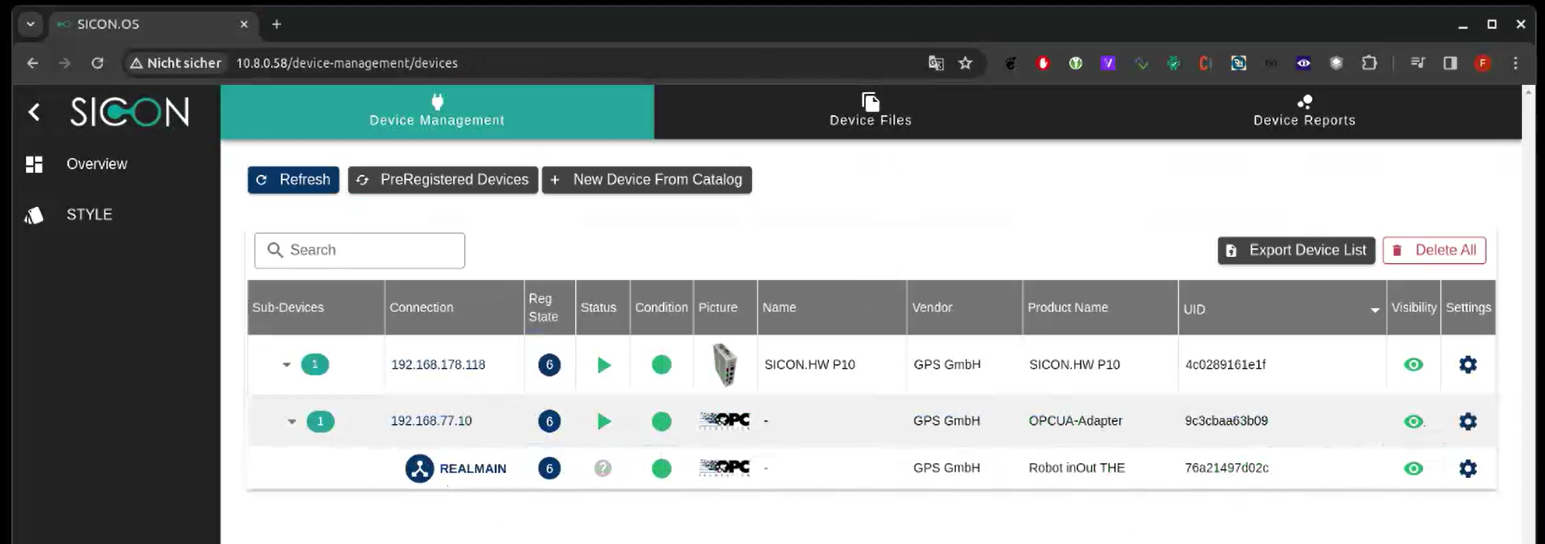
-
The OPC UA Adapter as Master (fixed vendor/device ID)
-
As a subdevice has its own Vendor/DeviceID →
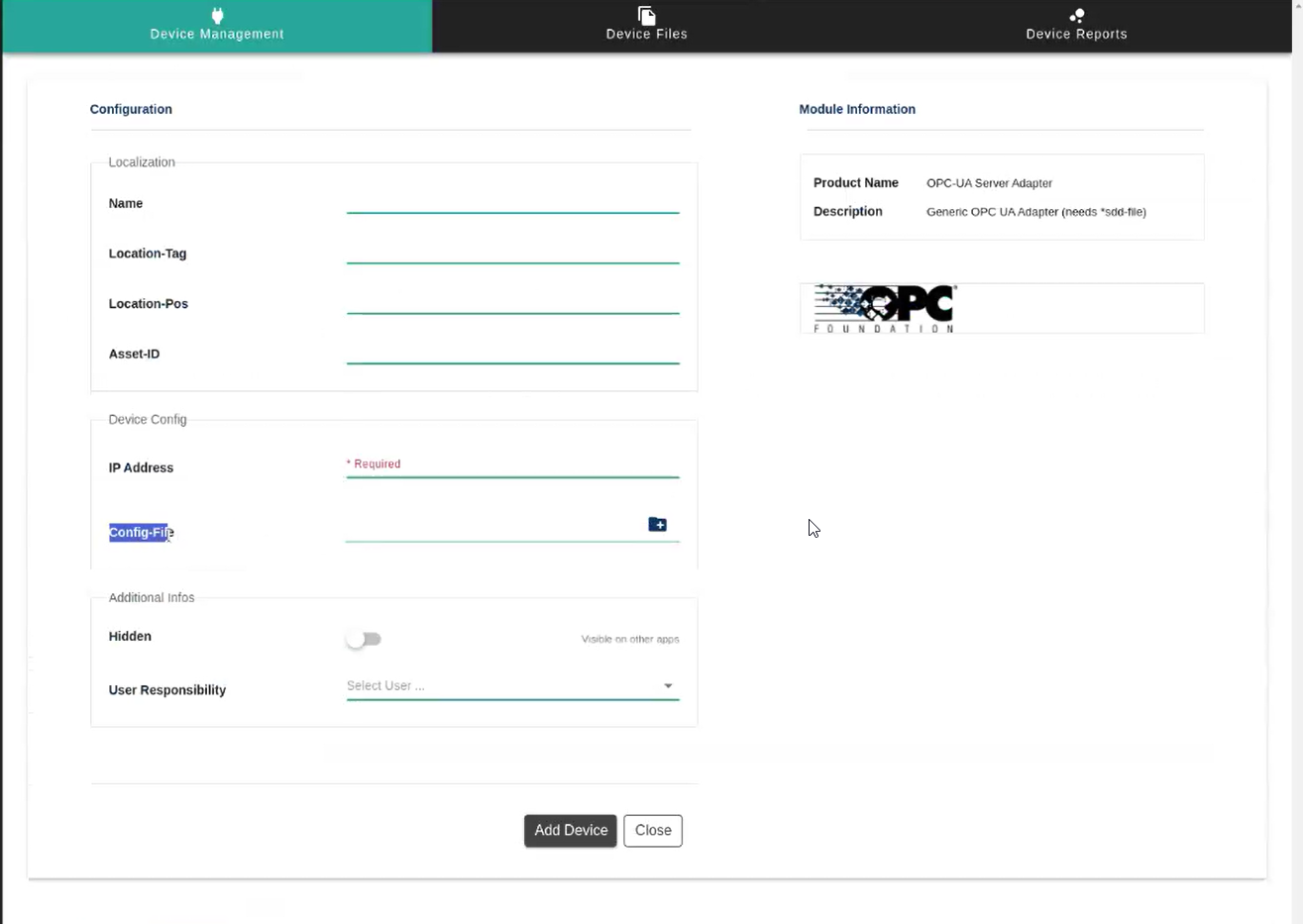
Specify config file (OPC UA)
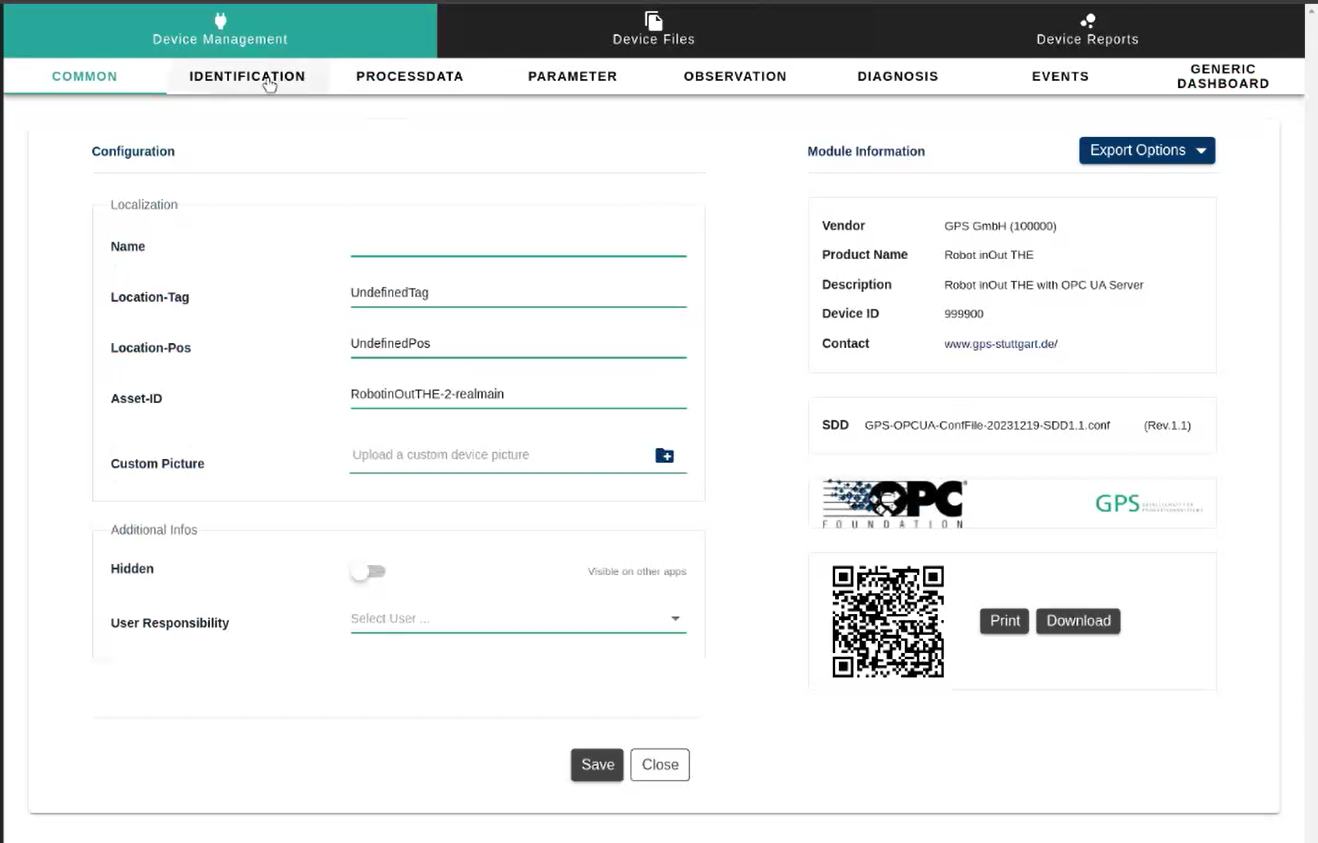
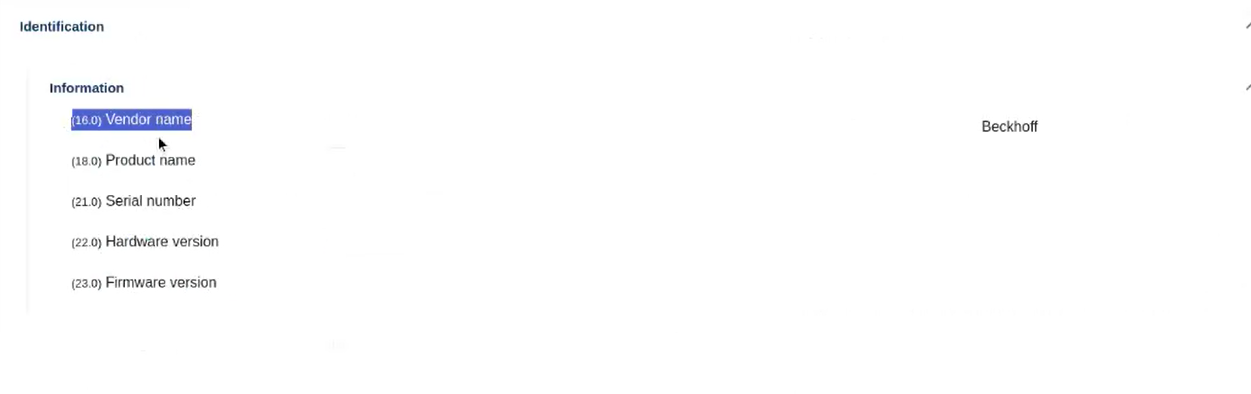
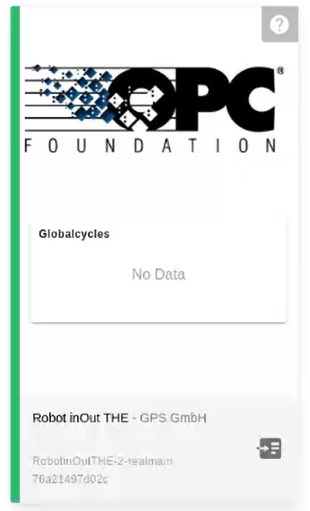
In tile “outDeviceState” and outDeviceCondition” + Counter outProdActAmount
Command to reset.

The OPC UA Adapter as Master (fixed vendor/device ID)
As a subdevice has its own Vendor/DeviceID →
Specify config file (OPC UA)
In tile “outDeviceState” and outDeviceCondition” + Counter outProdActAmount
Command to reset.