Navigate to Settings section
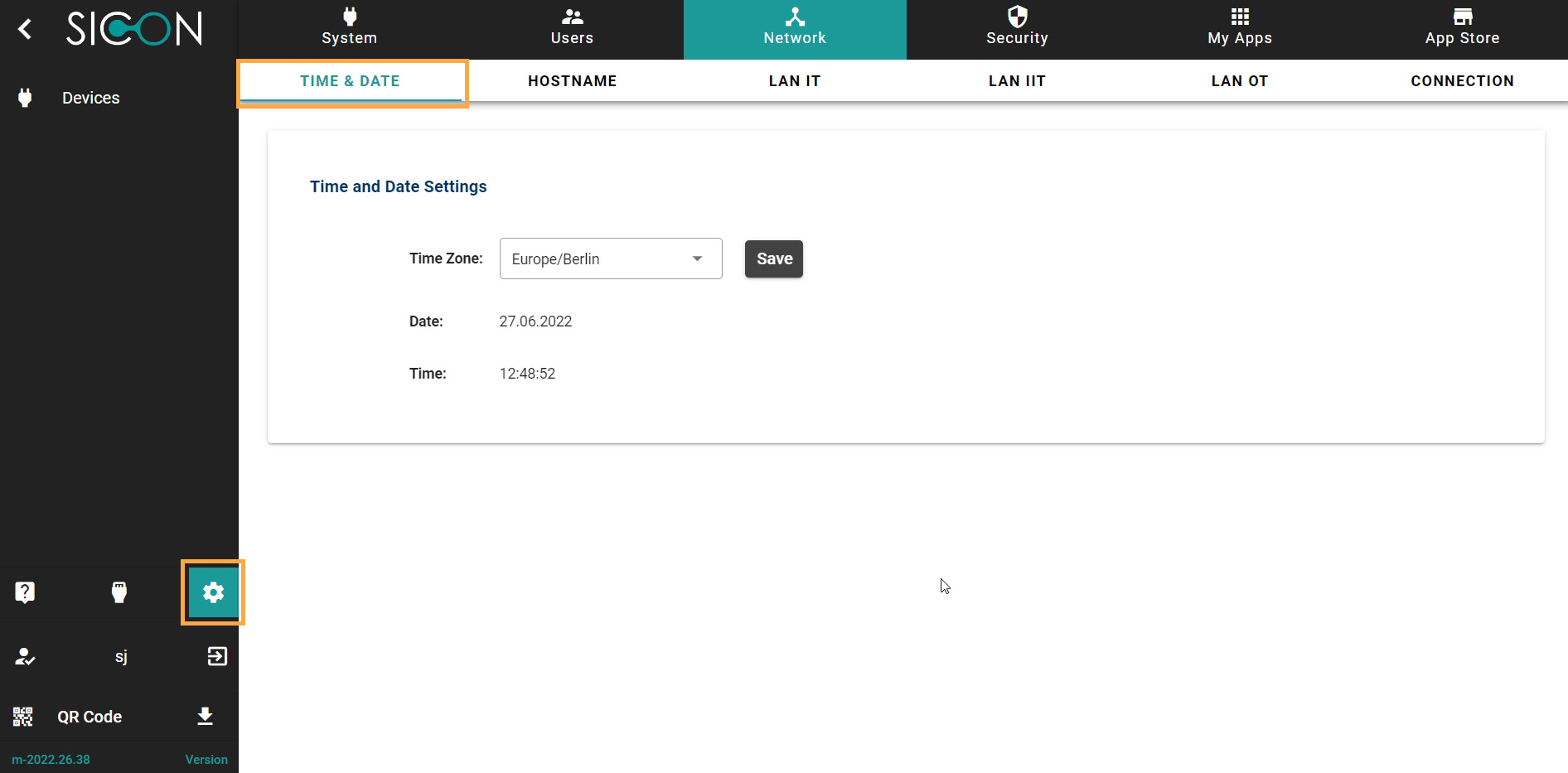
Once you have opened the Home screen of the SICON.OS interface:
On the navigation panel click on Settings to open the System management section.
Network section is divided into six subsections:
-
TIME & DATE
-
HOSTNAME
-
LAN IT
-
LAN IIT
-
LAN OT
-
CONNECTION
Let’s understand these one-by-one.
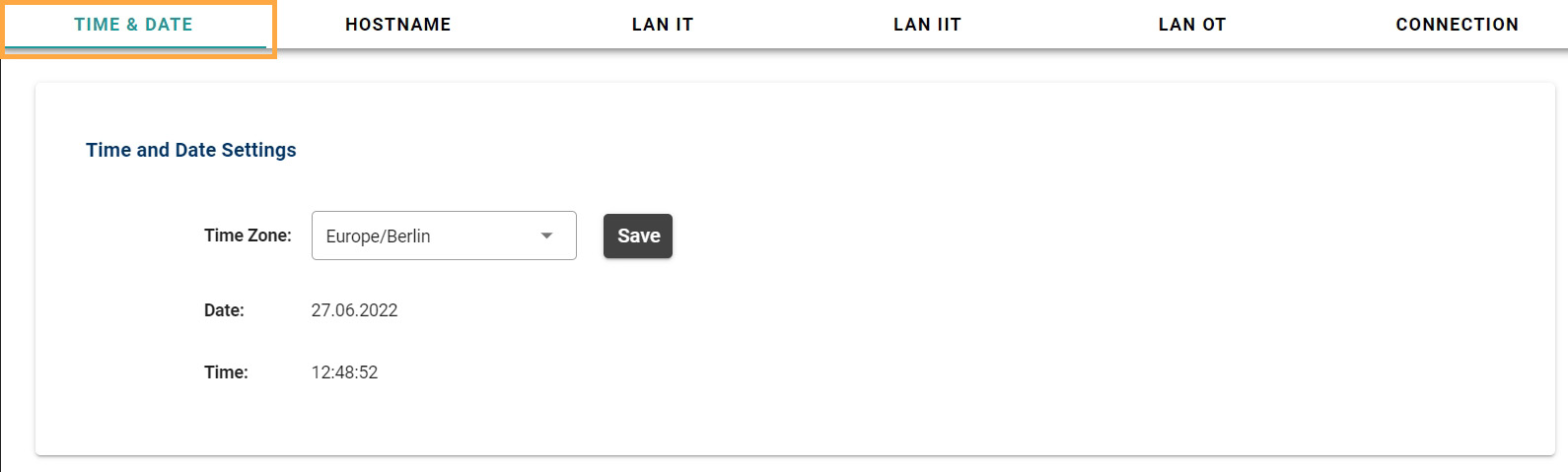
TIME & DATE
Here you can manage the Time and date settings.
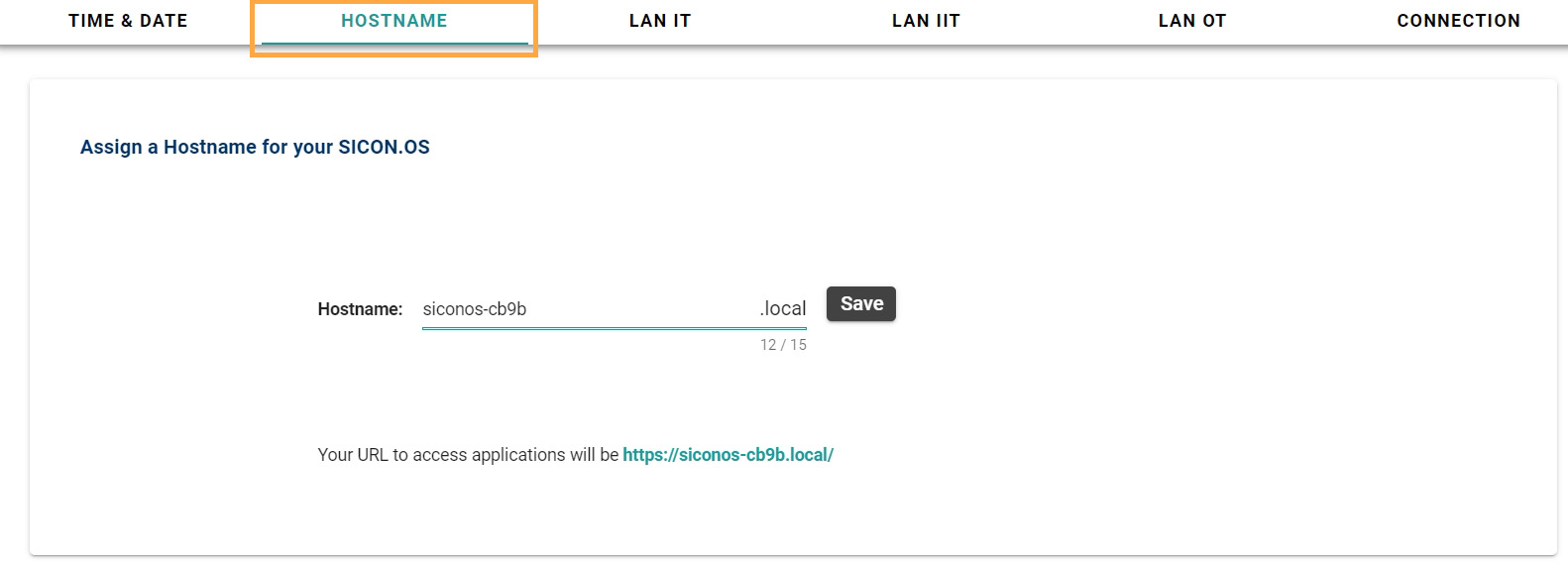
HOSTNAME
Here you can see the Hostname of your SICON.OS to access the applications of SICON.OS
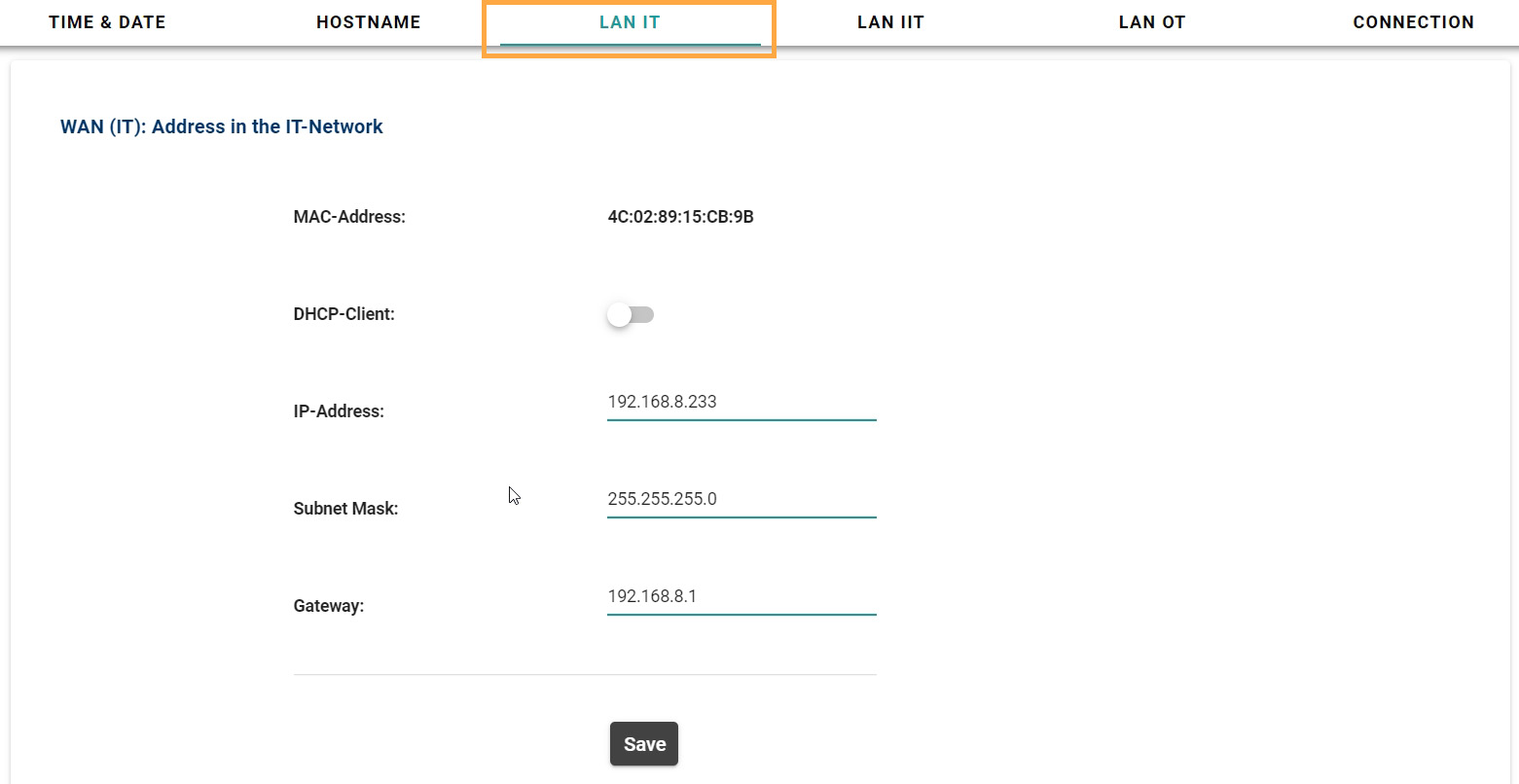
LAN IT
Here you can see the address in the IT-Network.
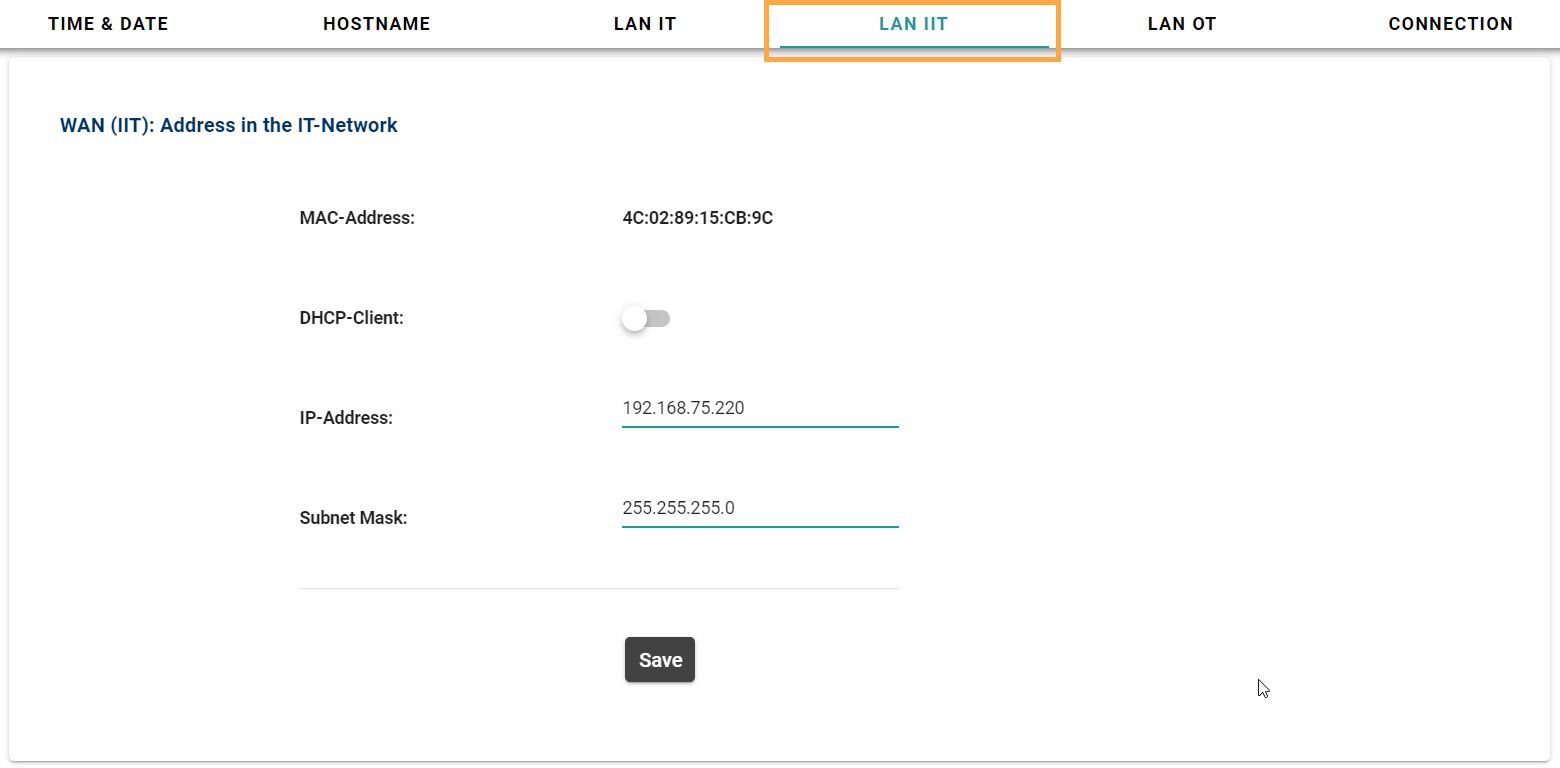
LAN IIT
Here you can see the address in the IIT-Network.
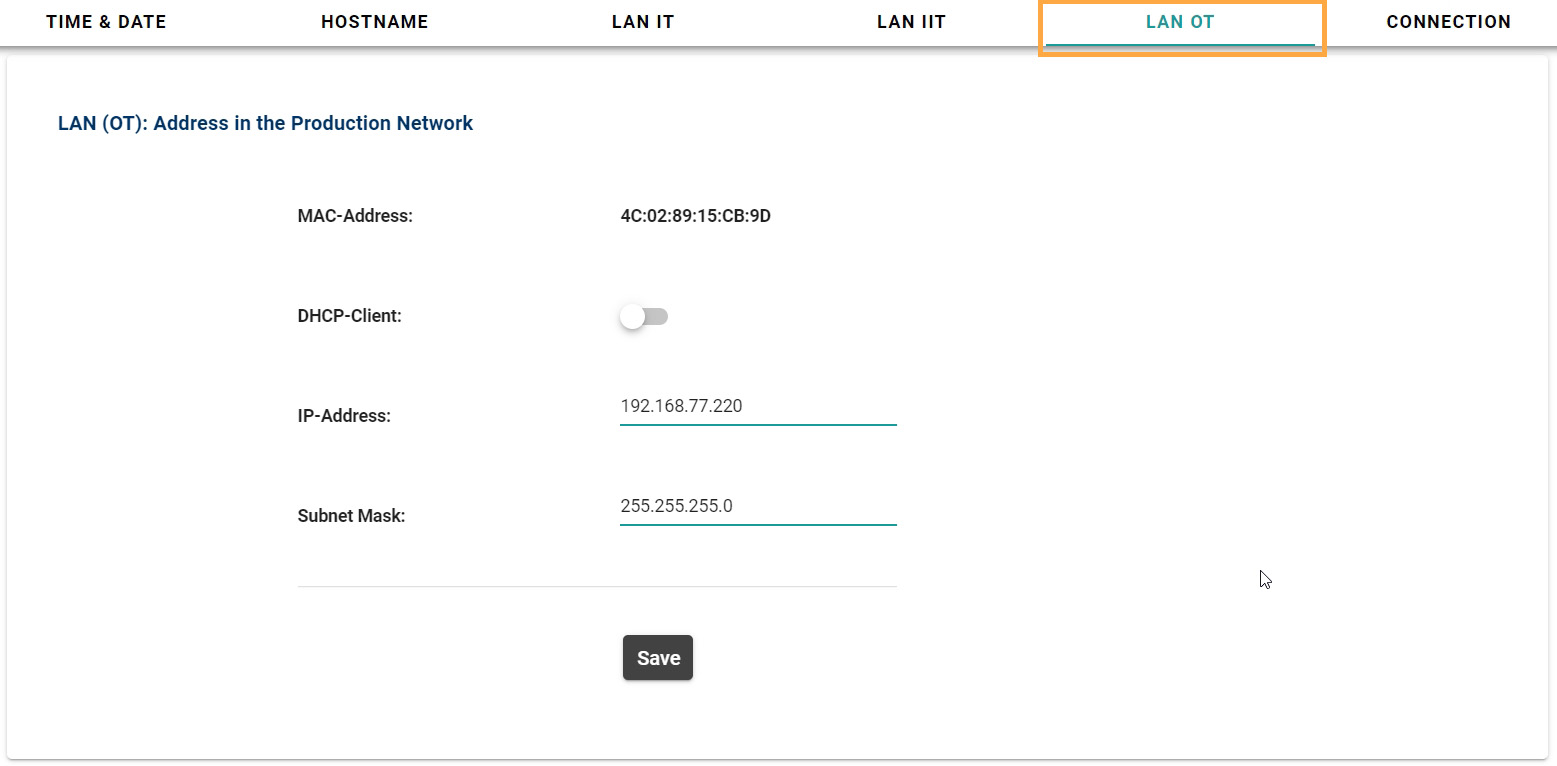
LAN OT
Here you can see the address in the Production Network.
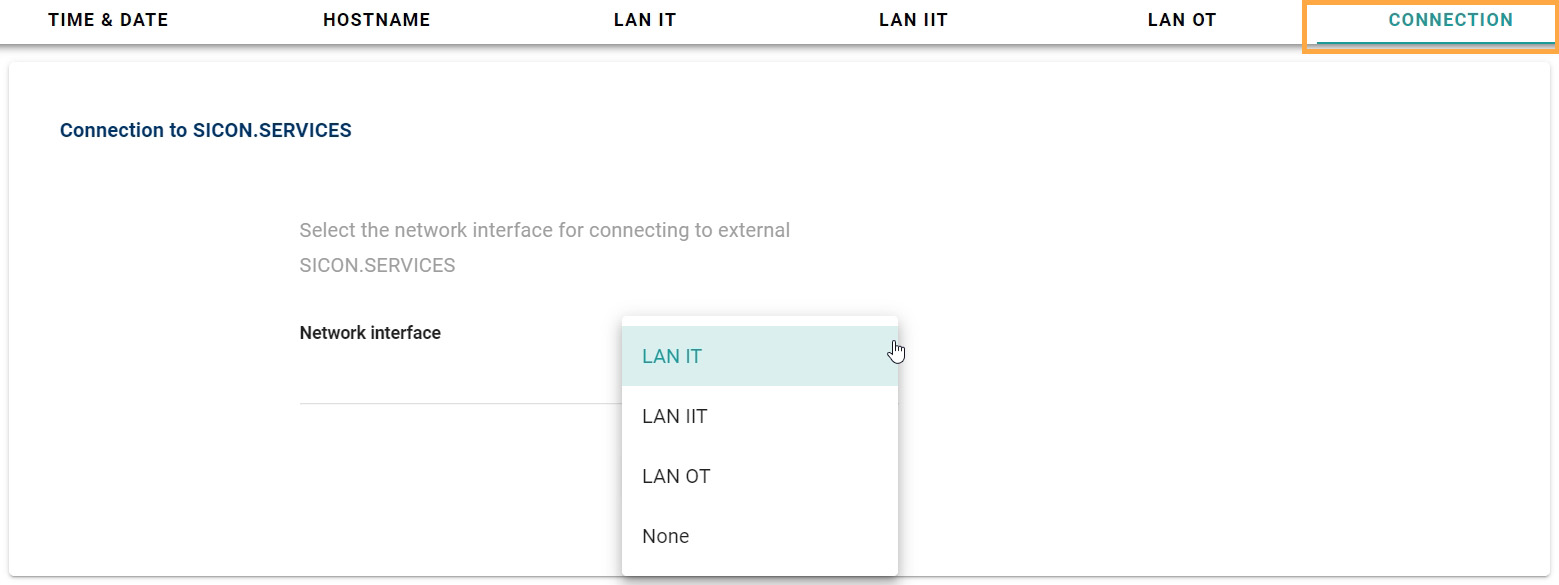
CONNECTION
Here you can select the network interface for connecting to the external SICON services.