
2024.1.x 2024.0.x 2023.23.x 2023.22.x 2023.20.x 2023.19.x 2023.18.x 2023.16.x 2023.14.x 2023.12.x 2023.10.x 2023.8.x 2023.6.x 2023.4.x 2022.56.x 2022.54.x 2022.52.x 2022.50.x 2022.48.x 2022.46.x 2022.44.x 2022.42.x 2022.40.x 2022.38.x 2022.36.x 2022.34.x 2022.32.x 2022.30.x 2022.28.x 2022.26.x 2022.24.x 2022.22.x 2022.20.x 2022.18.x 2022.16.x 2022.14.x 2022.12.x 2022.10.x 2022.8.x 2022.6.x 2021.56.x 2021.54.x 2021.52.x 2021.50.x 2021.38.x 2021.10.x English German

Catalog

Catalog

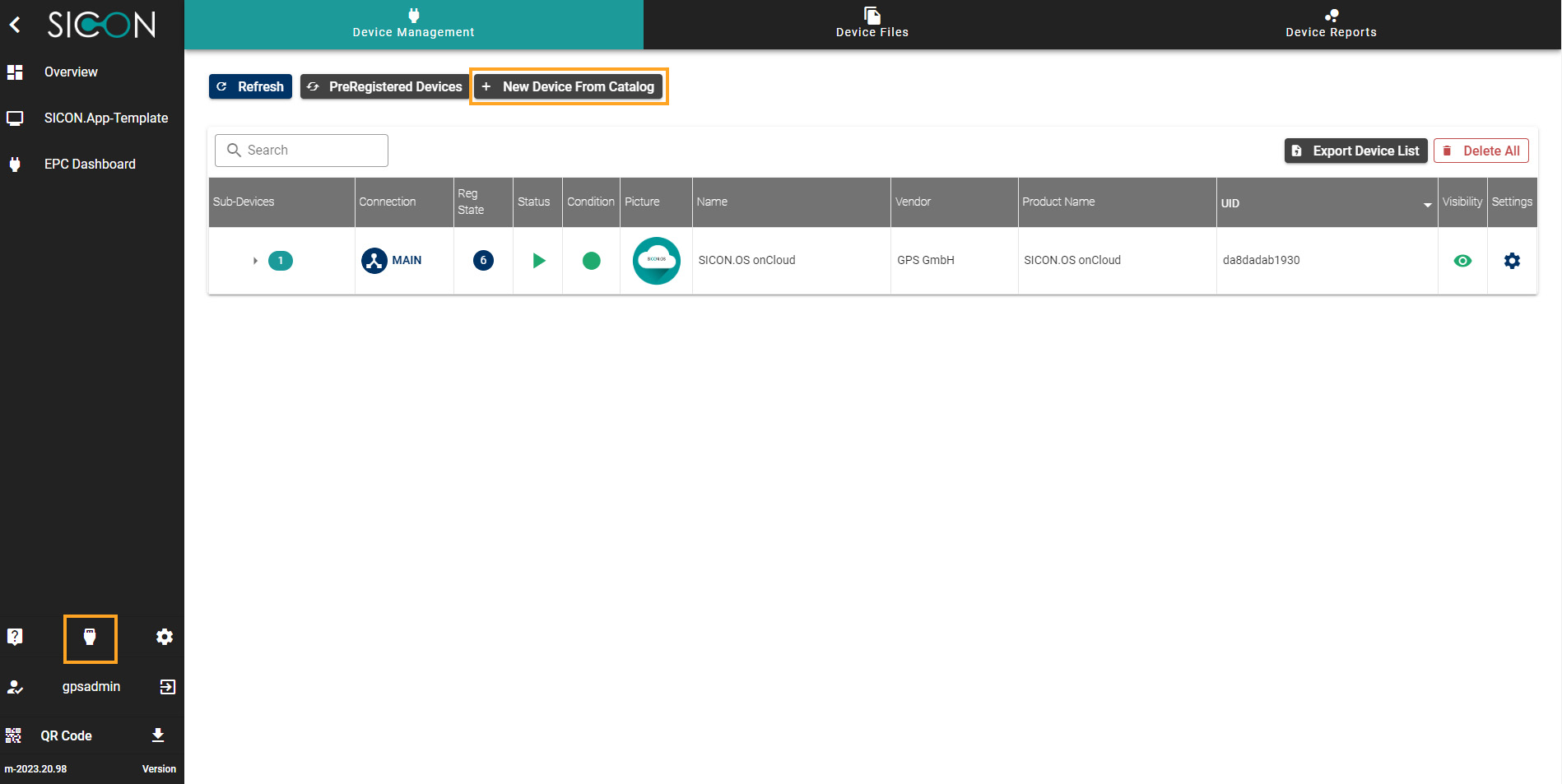
Under catalog, you can find the complete list of devices and sub devices in a systematic order. It helps to view the complete device information and configuration of the device.
DM_Catalog01.jpg


New Devices from Catalog: To add a device manually to SICON.OS, you can select this option.

image-20211018-145758.png

From the available device options you can select a device and provide further details like network address etc
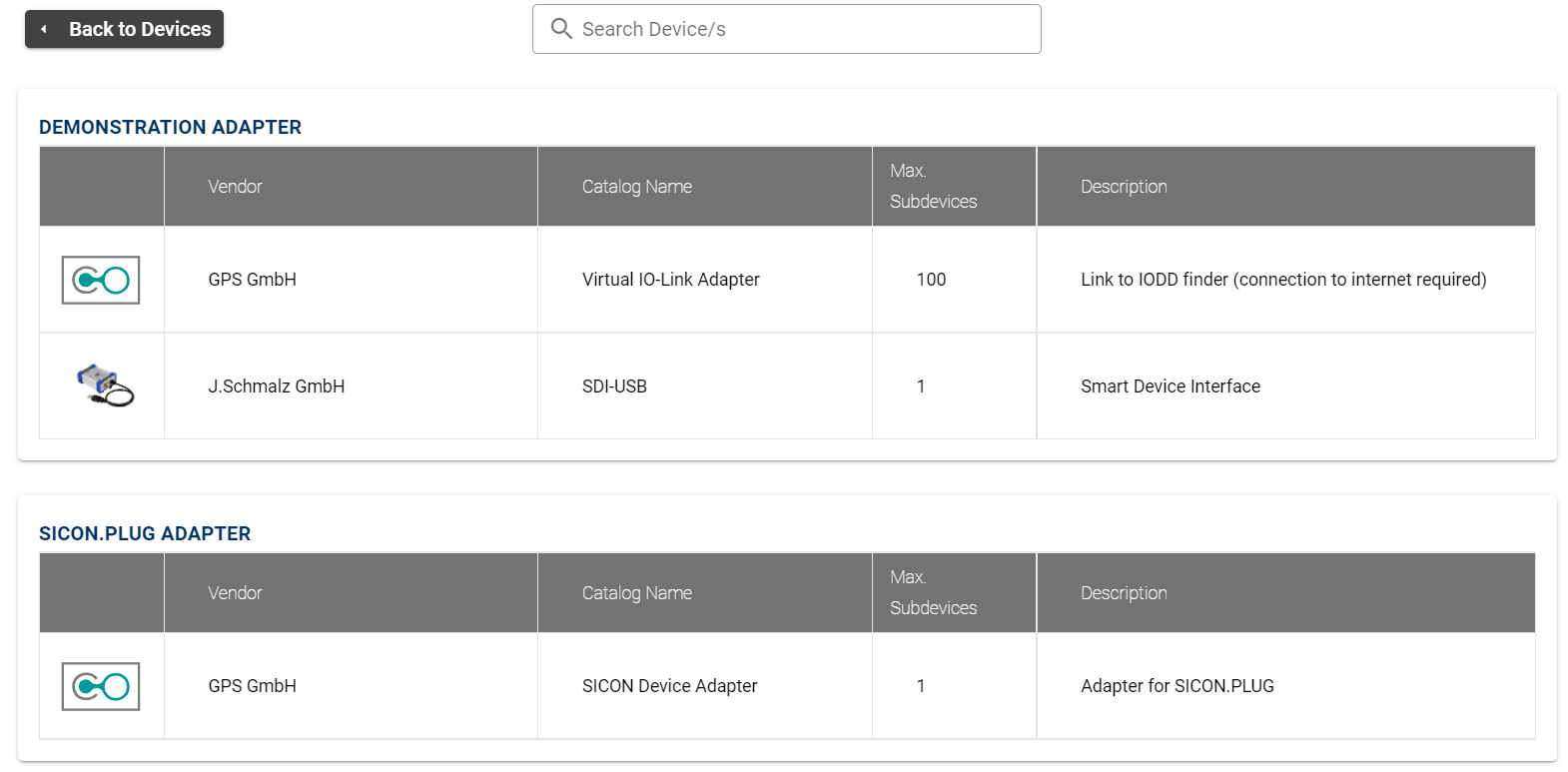
image-20211019-135648.png

Once you provide the necessary information you can click on add device to confirm the manual registration of device with SICON.OS
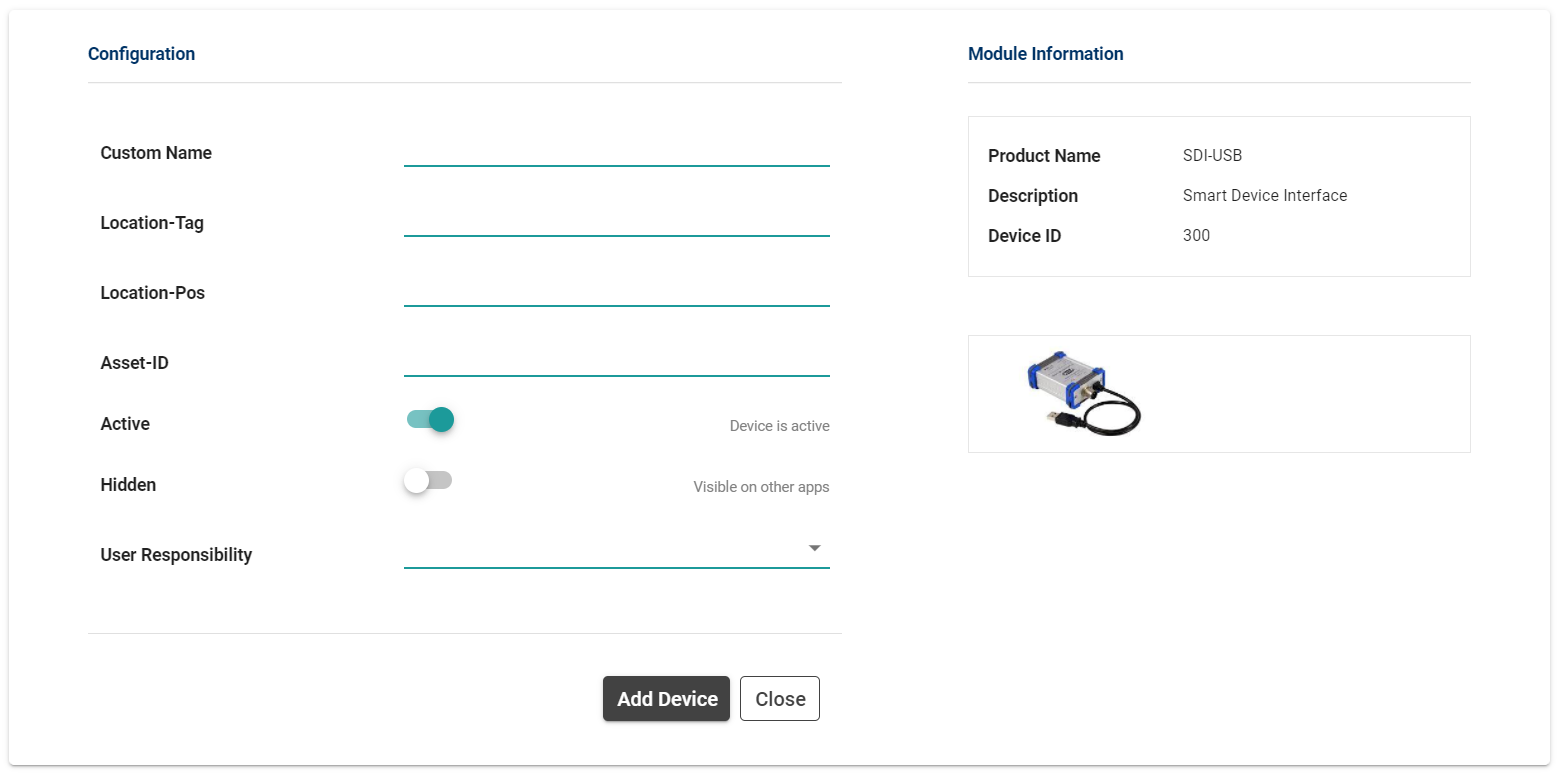
image-20211019-135807.png