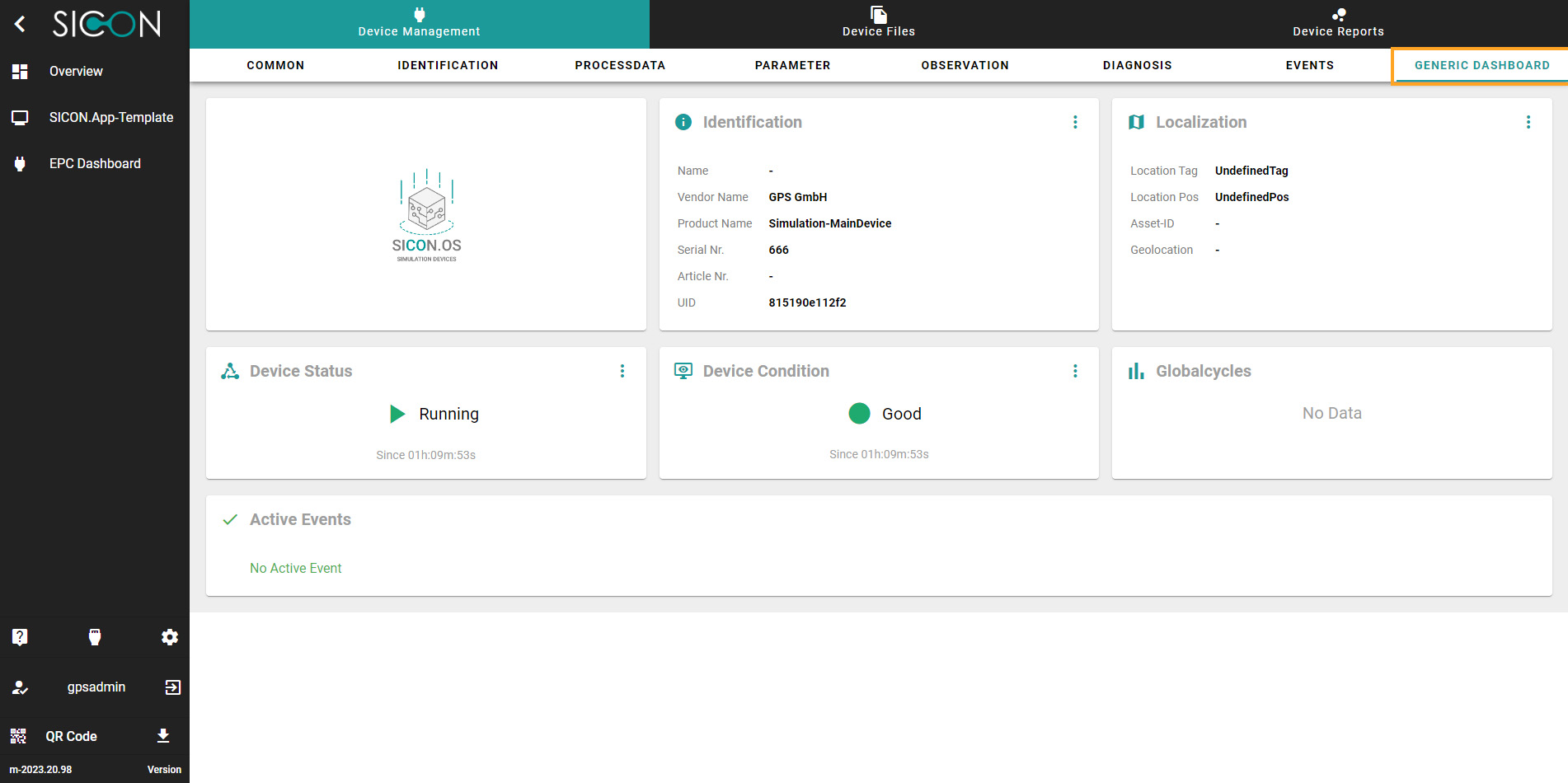
Navigate to Device settings
Once you have opened the Home screen of the SICON.OS interface:
-
On the navigation panel click on the Device management section.
-
Under Device management, you will find the complete information table.
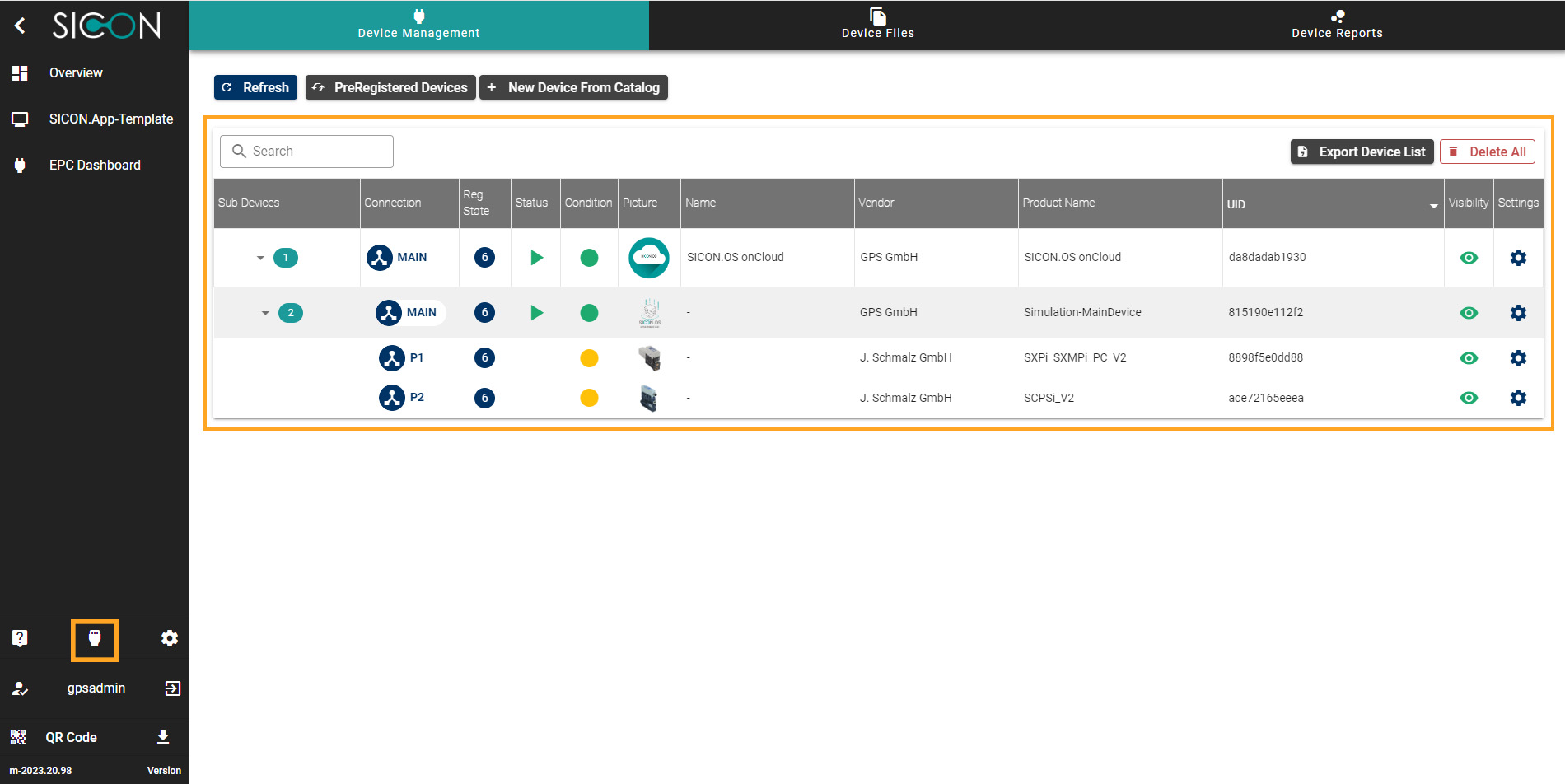
Complete information Table
On this view you see the devices which are connected to the SICON.OS. According to the connection, each device is viewed in a parent child hierarchy.
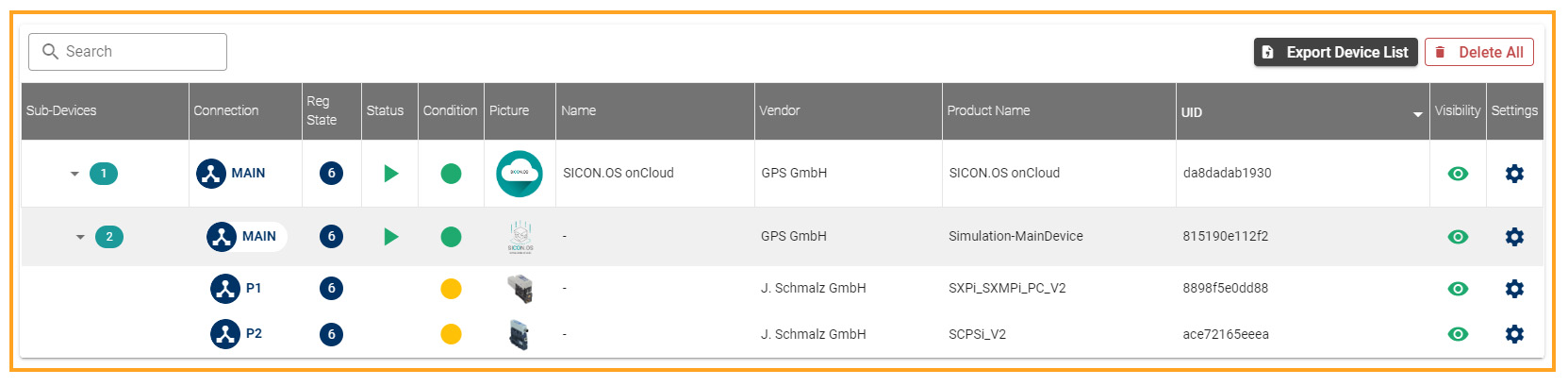
Settings
Click on Settings to view the Device Settings page.
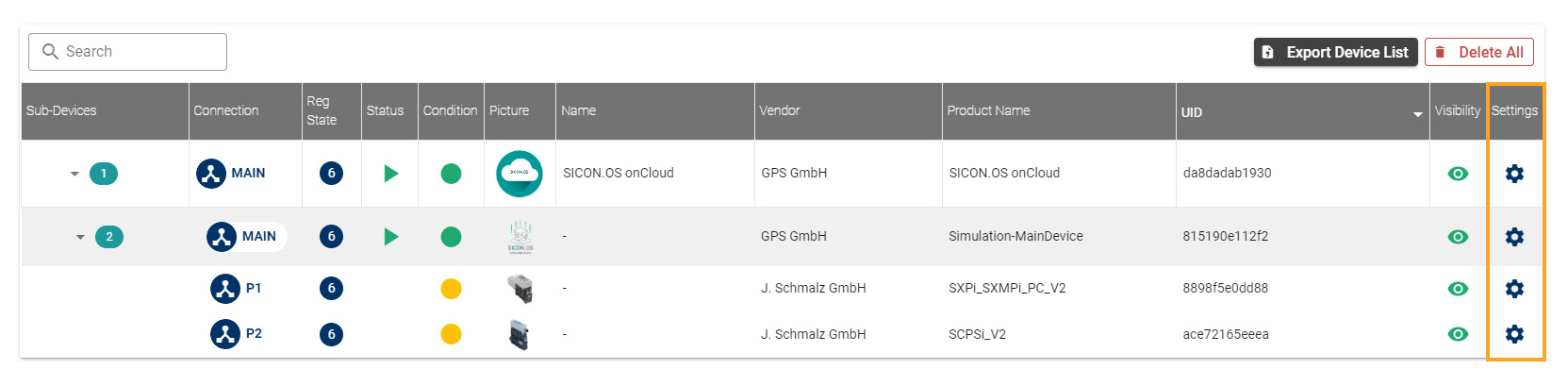
The Device settings page has a sub header which has the following menus:
-
Common
-
Identification
-
Process data
-
Parameter
-
Observation
-
Diagnosis
-
Events
-
Generic Dashboard
These are explained below:
1. Common
On this page, basic device details can be configured.
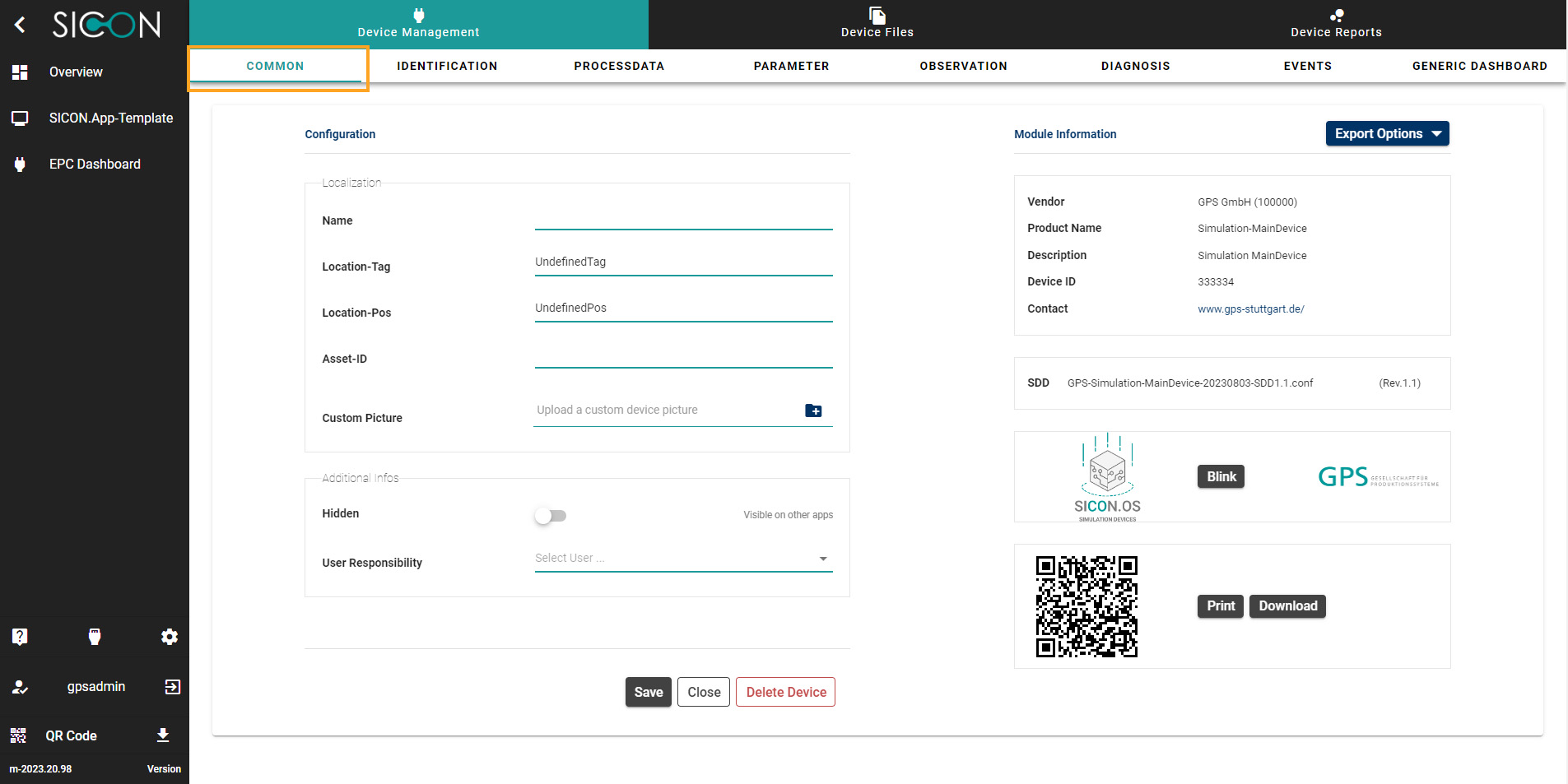
On this page, you can find:
-
Configuration
You can configure the connected device settings by filling the following information for example: give Custom name, location-Tag, Location-Pos, Asset-ID, Device status, Device visibility and User responsibility. Click on Save button to save the configuration.
Click on Delete Device to delete the device.
-
Module information
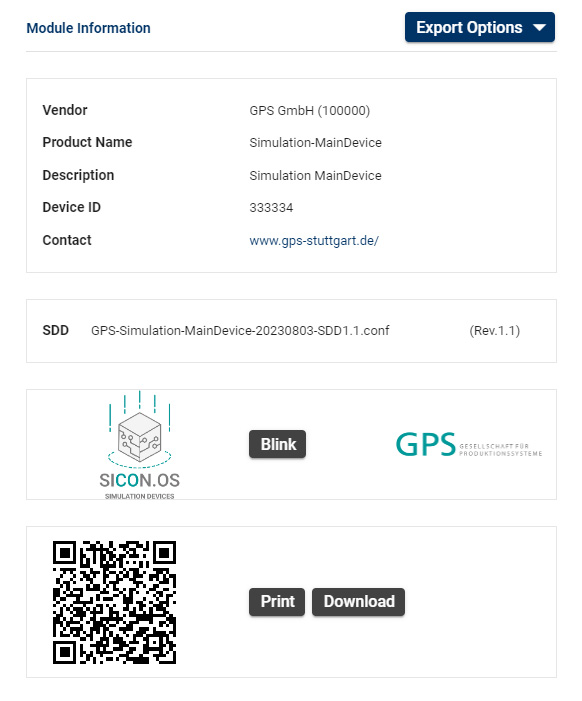
Here you can see the device information like Vendor name, Product name, description, device ID, check if any update is available, upload new Firmware.
-
Get the information about SDD.
-
Click on Blink to identify the device.
-
You can scan to see the device information on their device or Click on Print or Download button to get the device information.
2. Identification
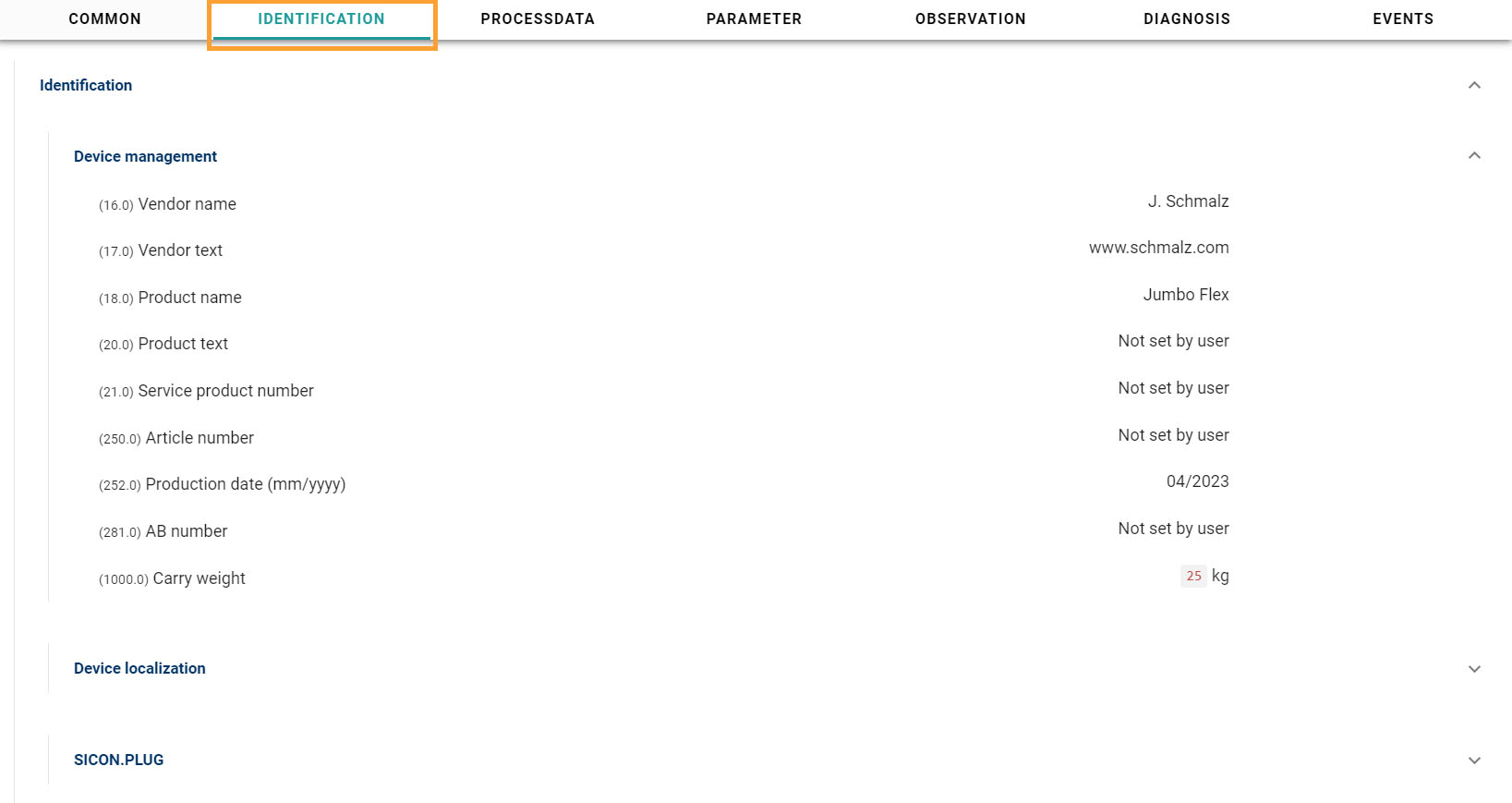
Here you will find the detail information about the Device identification
3. Process Data
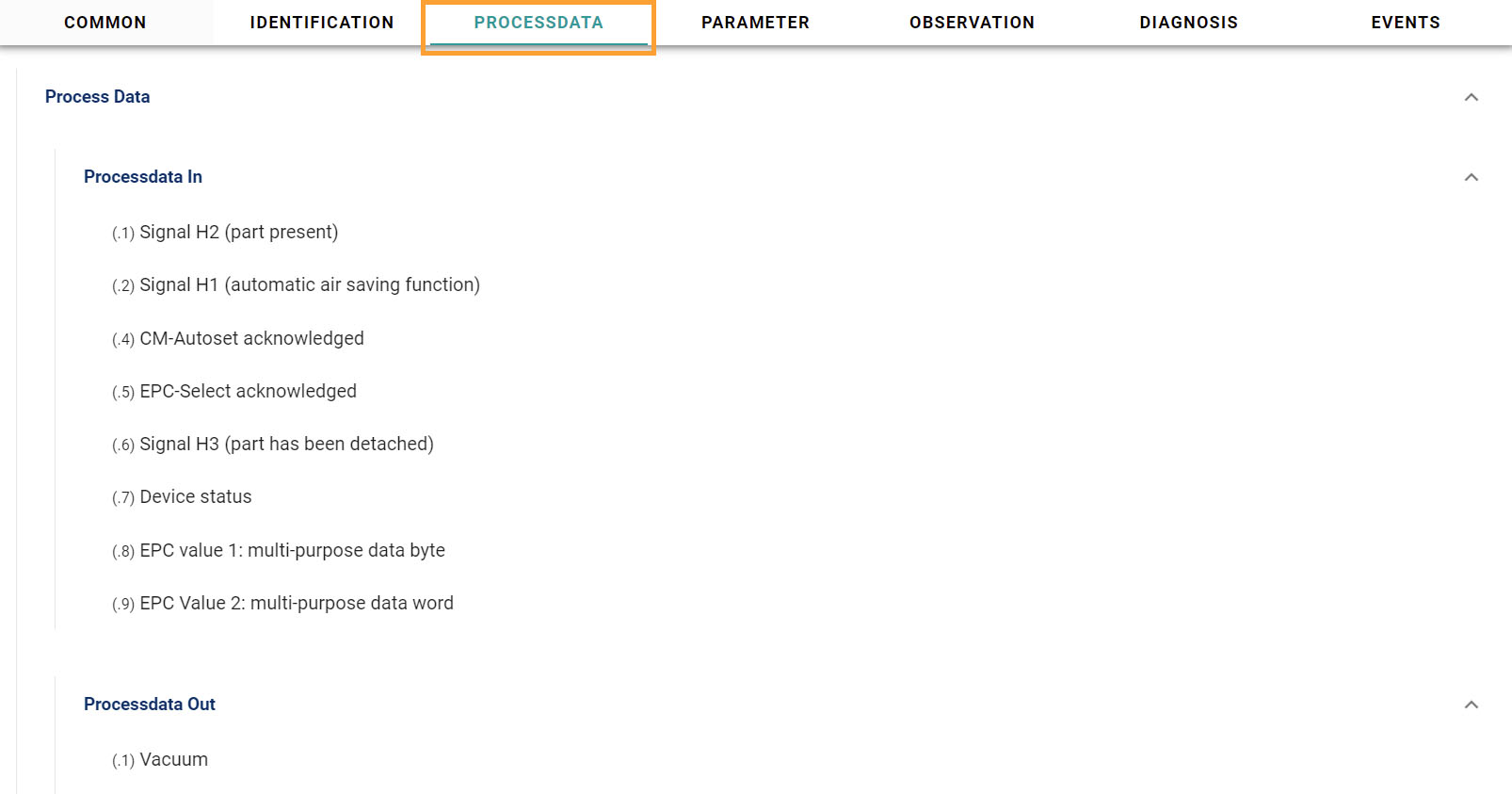
The processing of data is the alteration of raw data to usable data over a process. Here you will find the Process data In and Process data Out information.
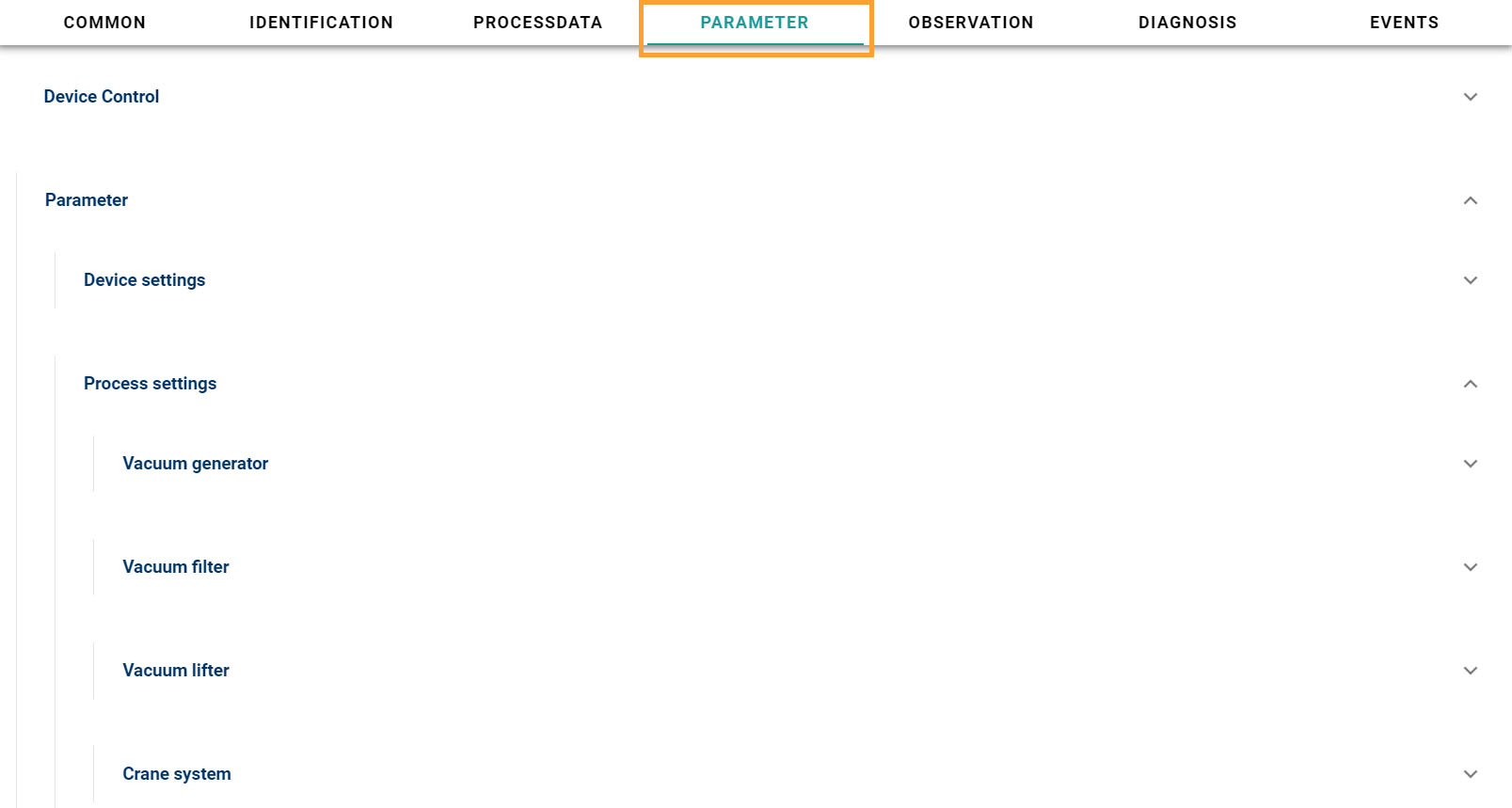
4. Parameter
Here you can parameterize the device, writing parameters to device
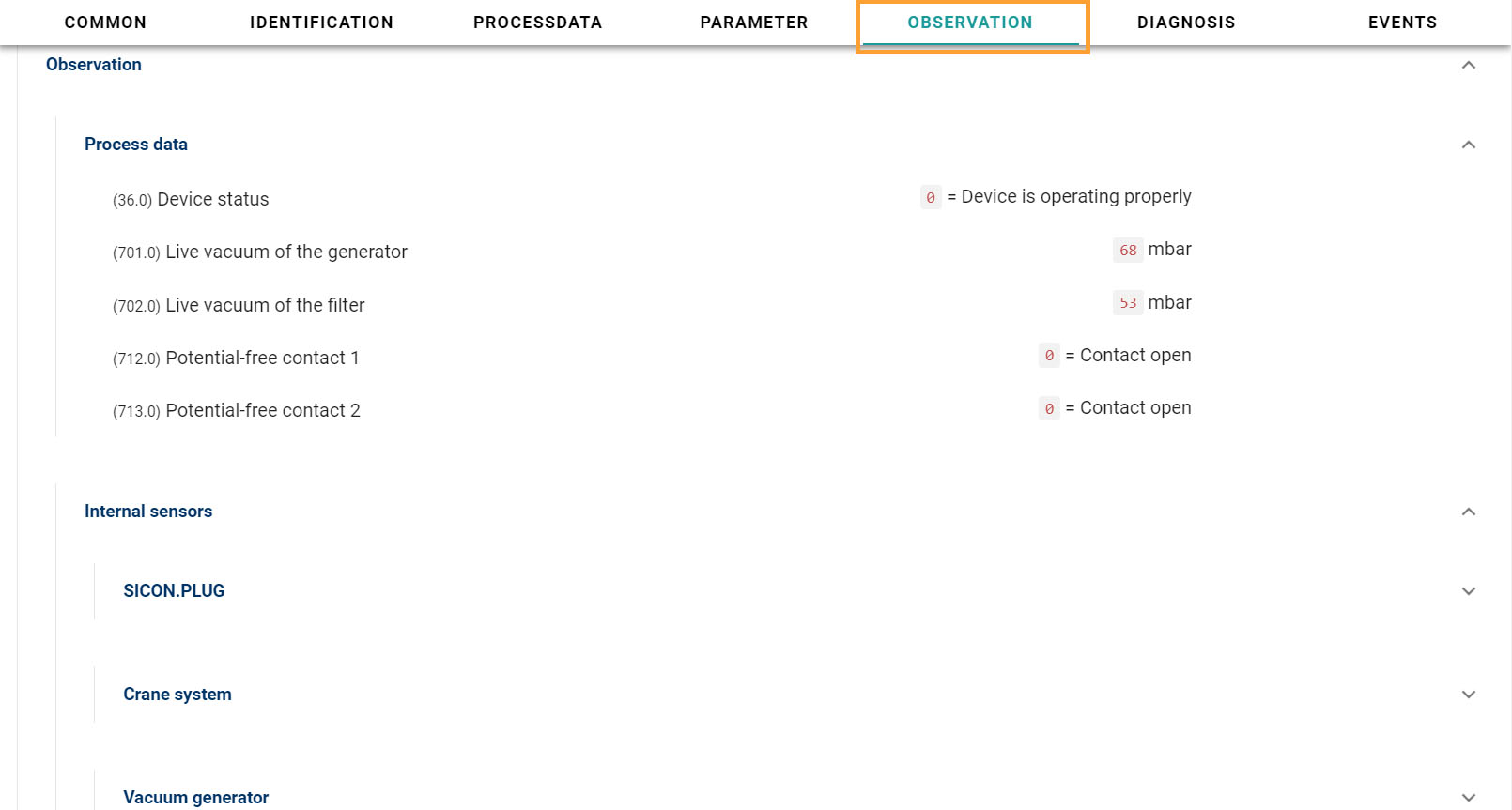
5. Observation
Data from the observation of device can be seen here.
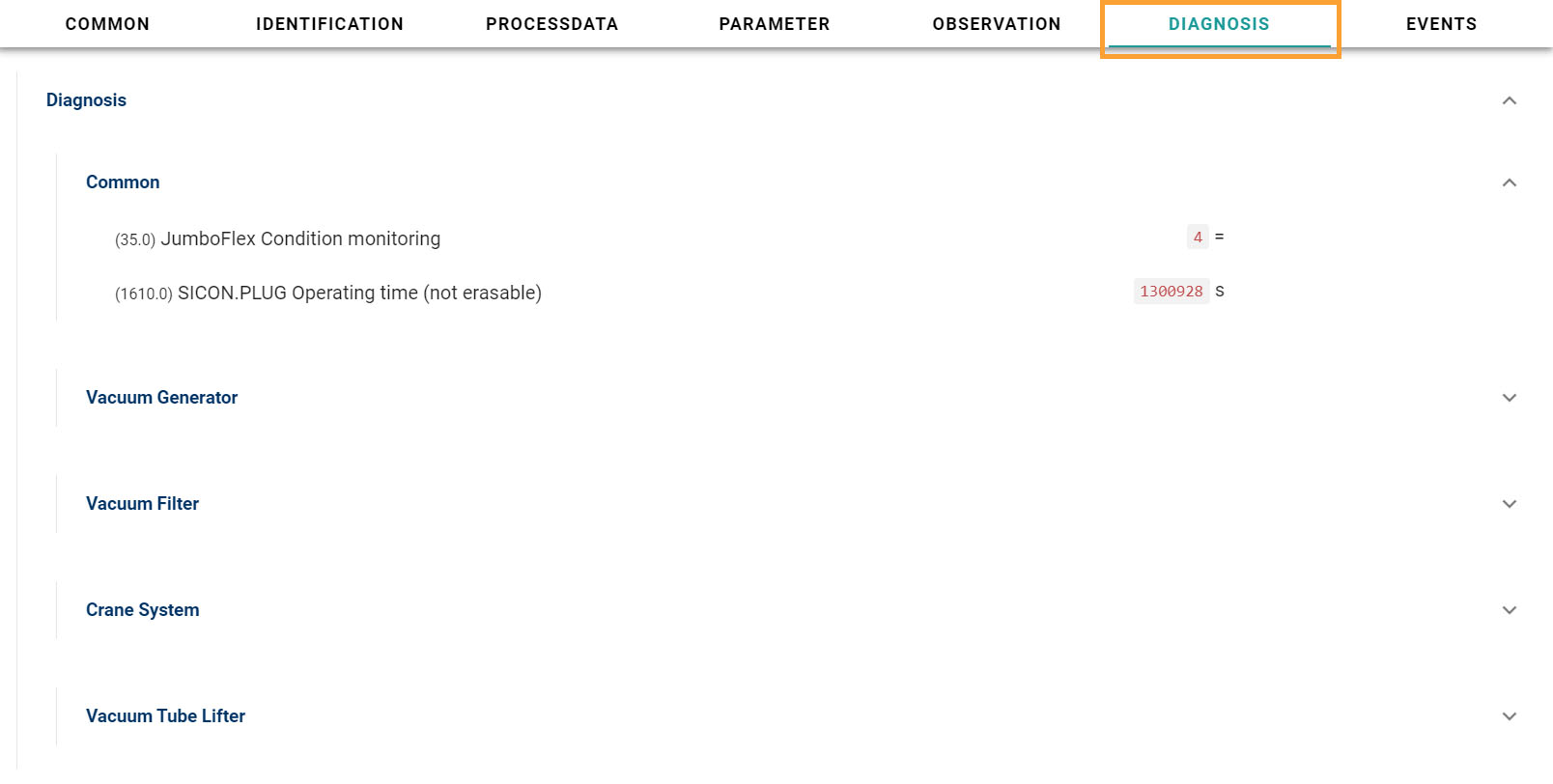
6. Diagnosis
Under Diagnosis, you will find the device data information to ensure it is working as it should be.
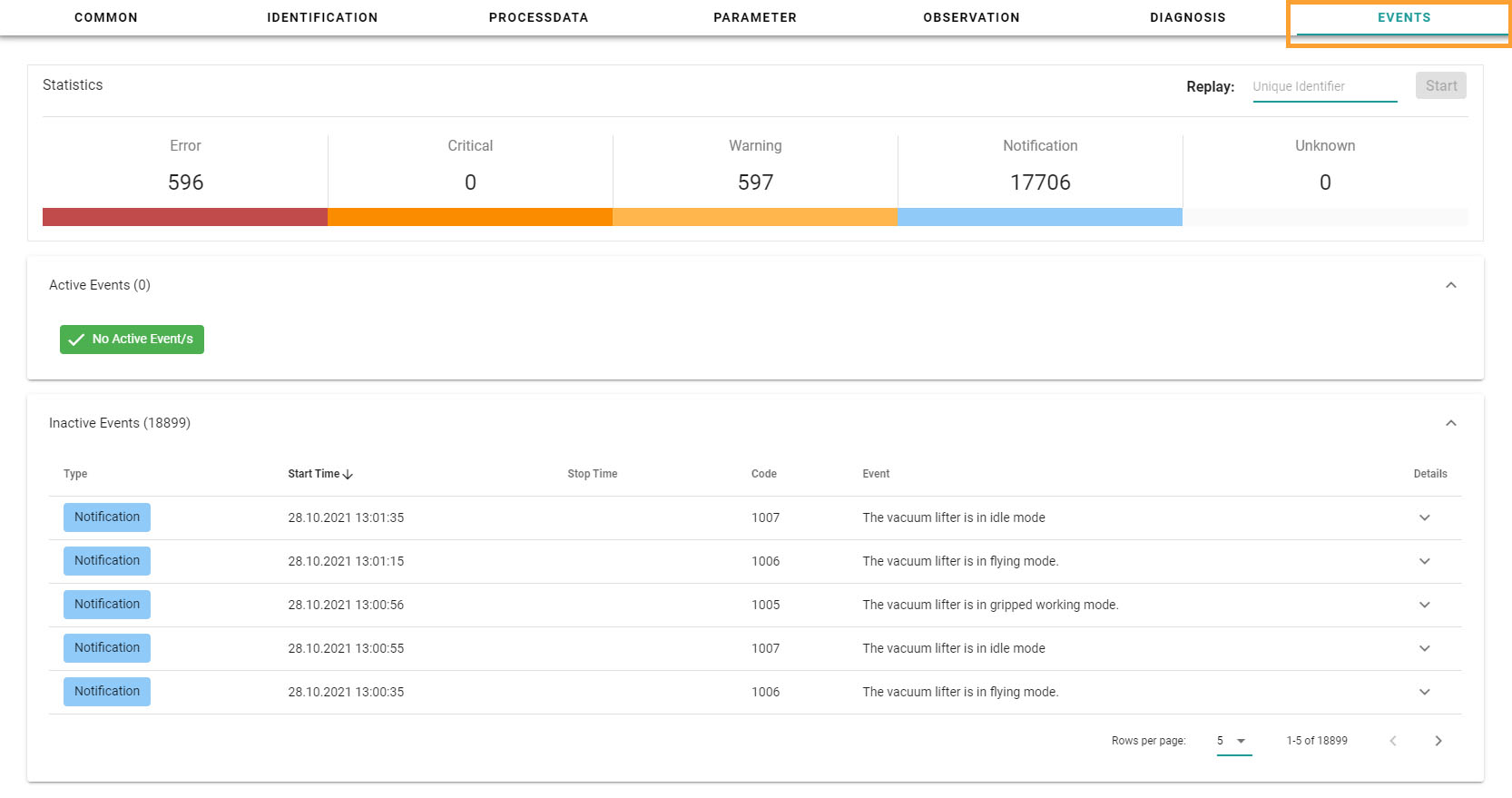
7. Events
Event is an action or occurrence that is identified by a SICON.OS and has significance for your devices. Under Events, you will have the access to the information like: Device statistics, Active events, inactive events.
8. Generic Dashboard